How to change the Main Contact on a Lease
Open a Unit
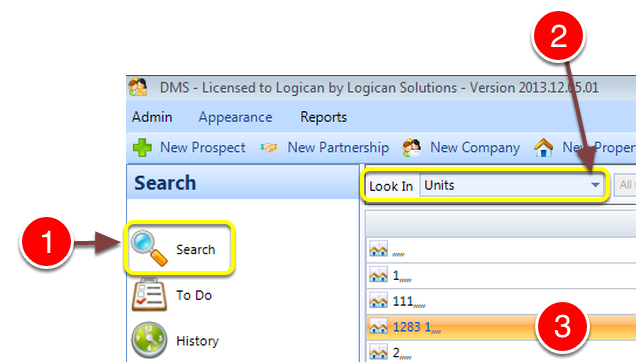
1: Click Search from the Side Menu.
2: Select Units from the drop down list – a list of Units will open.
3: Select a Unit by double clicking it – the Unit window will open.
Select the tenant
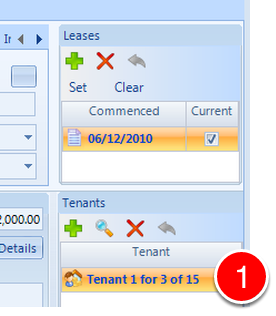
1: Select the Tenant by double clicking – the Tenant window will open.
Select the Main Contact tab
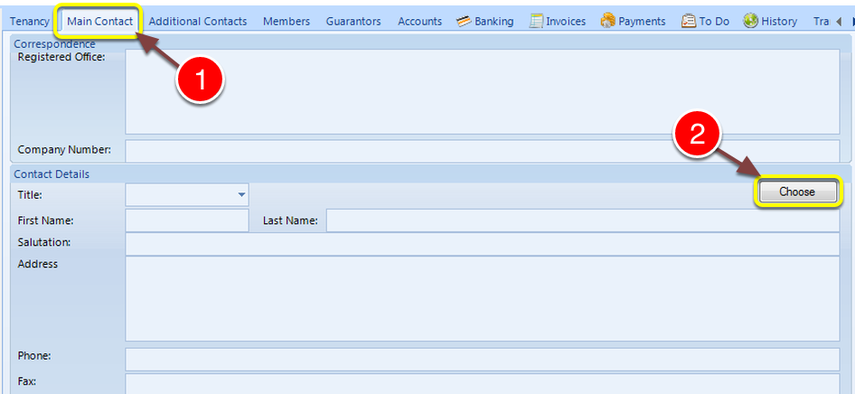
1: Click the Main Contact tab – The Main Contact window will open.
2: Click the Choose button – the Contact Details list will open.
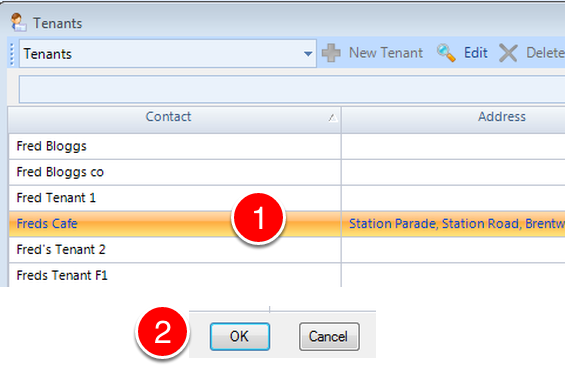
1: Select the required contact.
2: Click OK – the window will close.
Save the Data
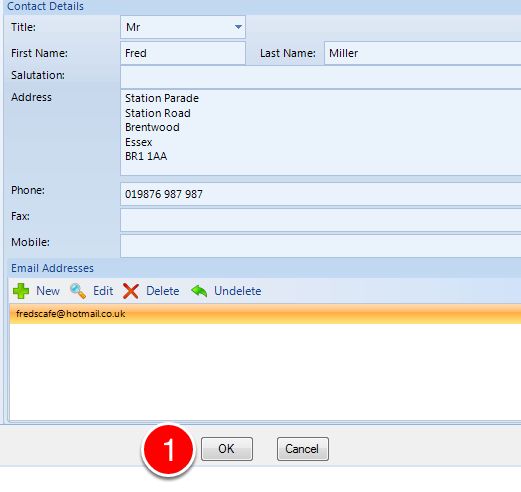
The new information is shown.
1: Click OK to Save the change and close the window.
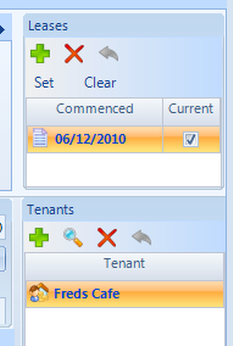
The details have been changed.