How to expand the information in the Search window
Open the Search window
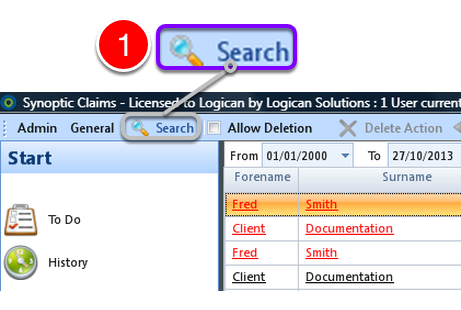
1: Click Search from the Menu – the Search window will open.
Display some Claims
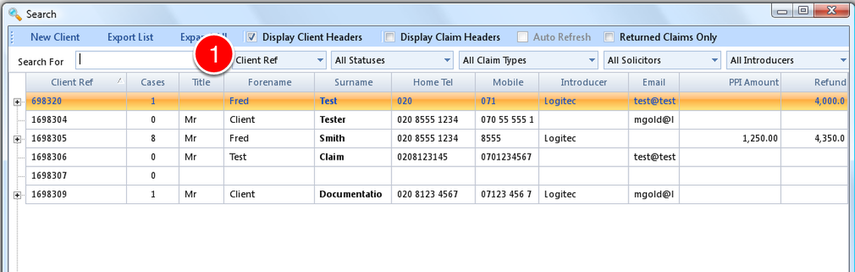
1: If required select some search criteria or press Enter to display all.
Expand 1 Claim
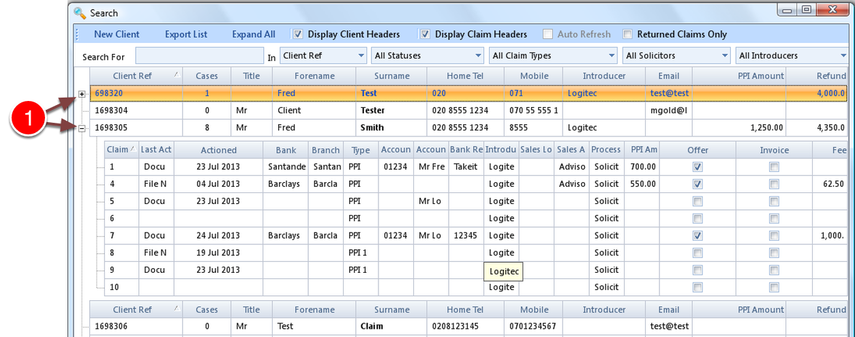
1: Clicking the +/- will expand or collapse the Claim.
Expand the tree
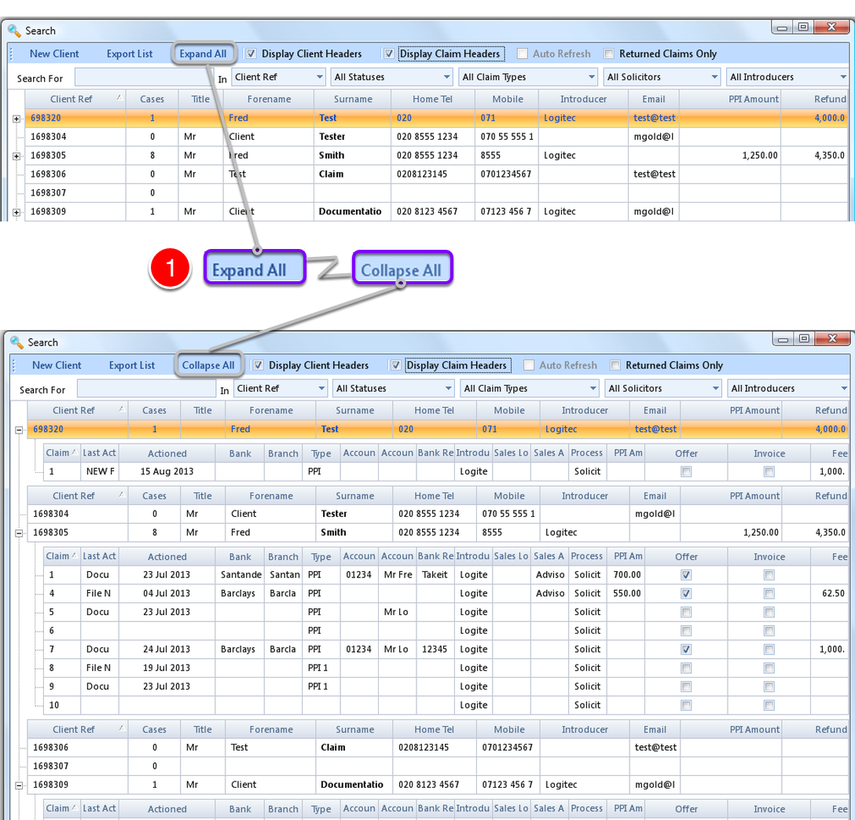
1: Clicking Expand All or Collapse all will change the tree display for all entries.