How to display the Claim Headers in the Search window
Open the Search window
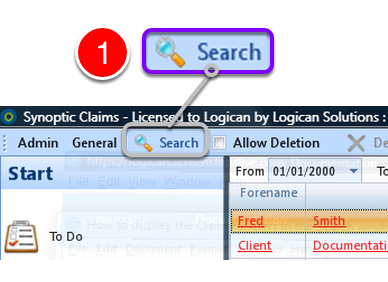
1: Click Search from the Menu – the Search window will open.
Display some Claims
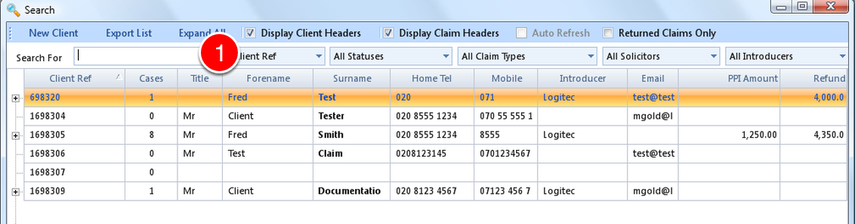
1: If required key in some search criteria or press Enter to display all Claims.
Display the Claim Headers
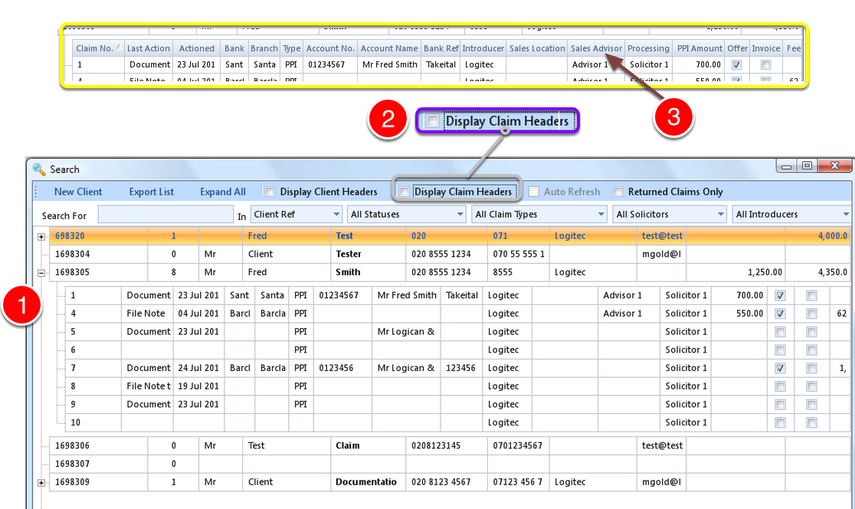
1: Expand the Claim Details – click here to see how.
2: Click the Display Claim Headers check box.
3: The Claim Headers will be displayed – Untick the check box to hide the Headers.