How to change the Expected Payment amount of a scheduled payment
Open the Search window
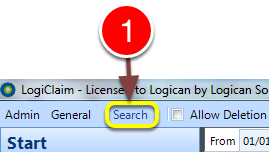
1: Click Search from the Menu - the search window will open.
Open a client
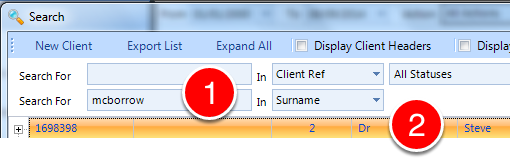
1: If required, enter some search criteria.
2: Double click the required Client - the Client window will open.
Adjust the individual Expected Payment amount
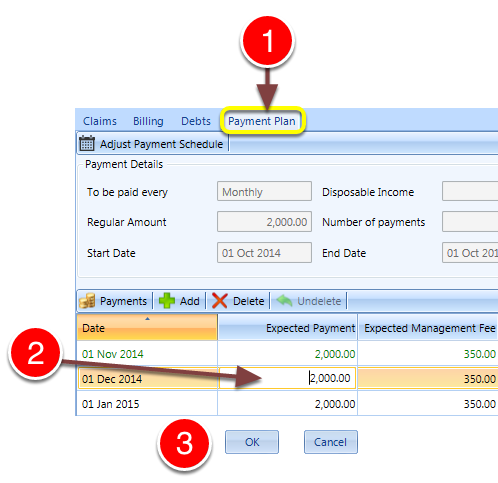
1: Click the Payment Plan tab - the Payment Plan window will open.
2: Double click on the amount you require to adjust and type in the new amount.
3: Click OK to save the data and close the Client window