View Payment Details
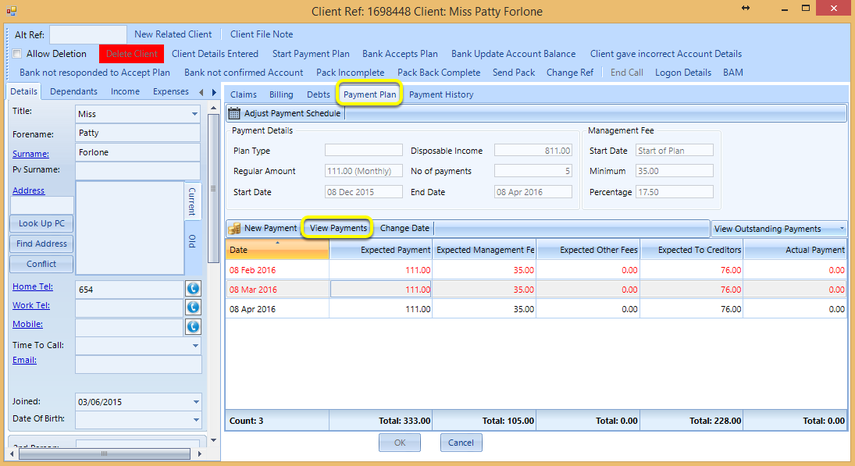
Select or create a client with a scheduled payment.
From the Payment Plan tab, click View Payments. The Payment Details window displays.
Payments Tab
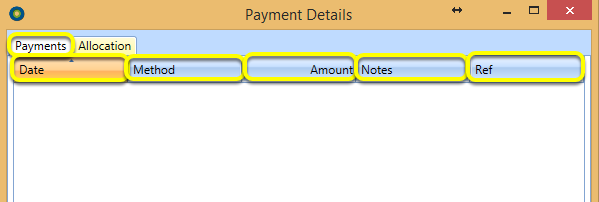
The Payments tab displays the Date, Method used for payment, Amount, any Notes or Ref included.
Allocation Tab
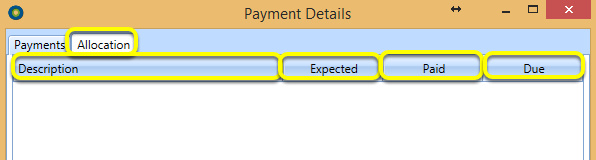
The Allocation tab includes the Description, Expected received, Paid amount and amount Due.