How to add a client's Dependants
Open the Search window
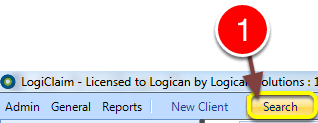
1: Click Search from the Menu - the Search window will open,
Open the required Client window
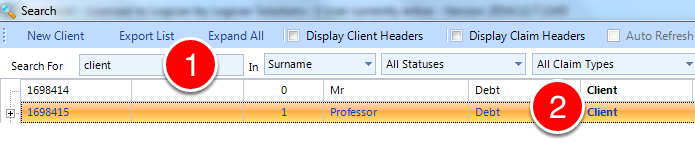
1: Click Enter to display all clients or enter some search criteria.
2: Double click on the desired client - the Client Details window will open.
Add the Dependents
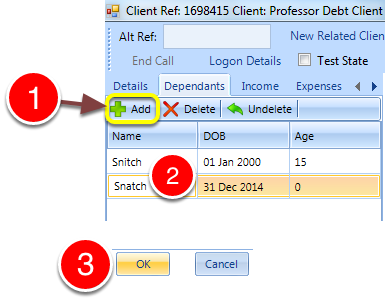
1: Click Add - a new line will be added to the list.
2: Enter a name and the D.O.B, the age will be calculated.
Repeat for the required amount of dependents,
3: Click OK to save and close the window.