How to link a scanned document to a case
Info
Once documents have been scanned in (see How to scan a document ) you can link the scanned documents to claims
Double click on an attachment action in the To Do list to display the scanned document
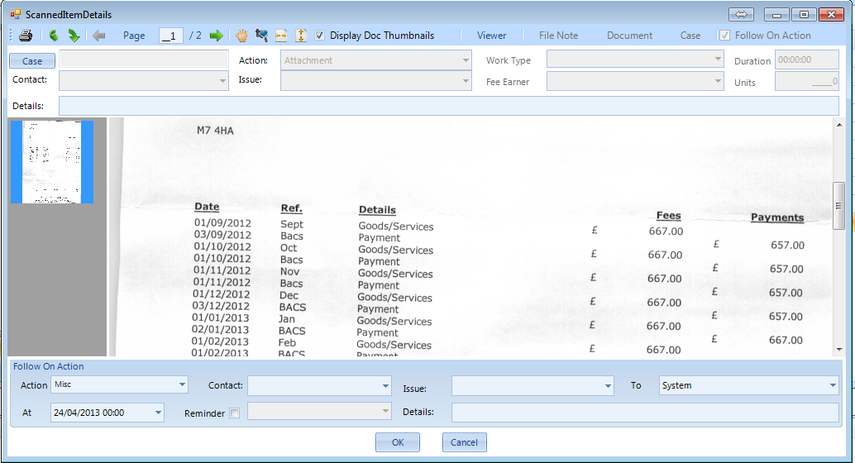
Select the case
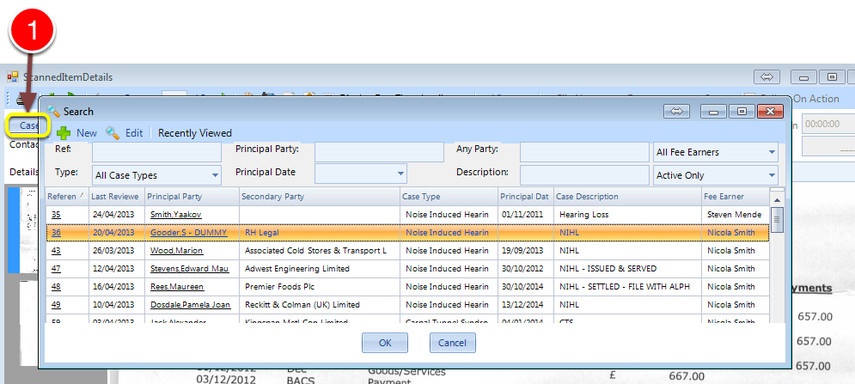
1: Click on the Case Button to select the case - the Search window will open.
Select the Contact the document relates to
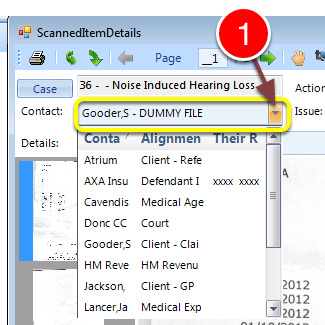
1: Select the Contact the document relates to from the drop down list.
Update other details
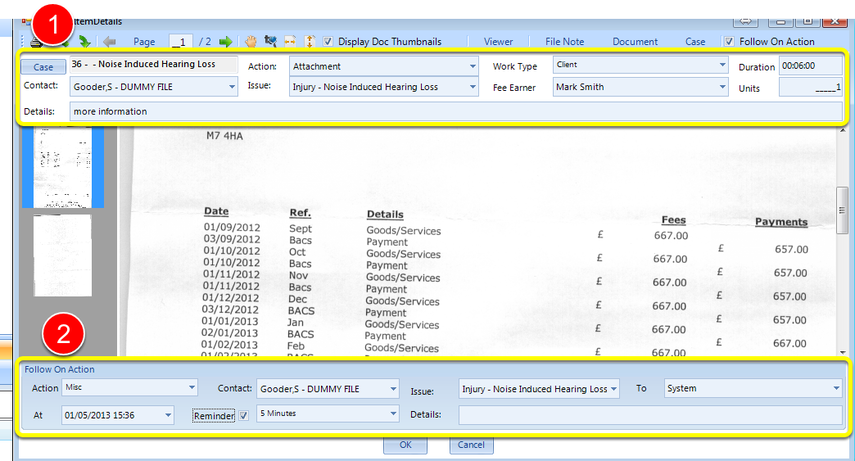
1: Update other details.
2: Schedule a follow on action.