Cancel a Plan
Open a client.
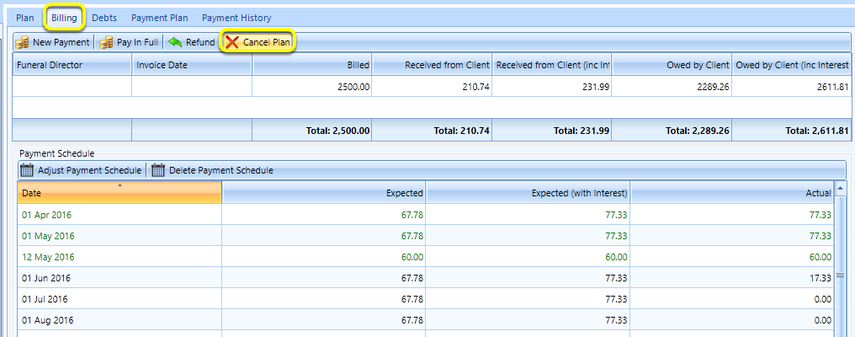
From the Billing tab, click Cancel Plan. A warning message displays confirming you want to cancel the plan.
Click OK. The plan is cancelled.
Note: If any payments have been made, you first need to refund the payments in order to clear them.