Draw Down Payments
Info
This feature enables you to draw down payments from plans that have received payments.
Create a Plan
Create or open an existing client.
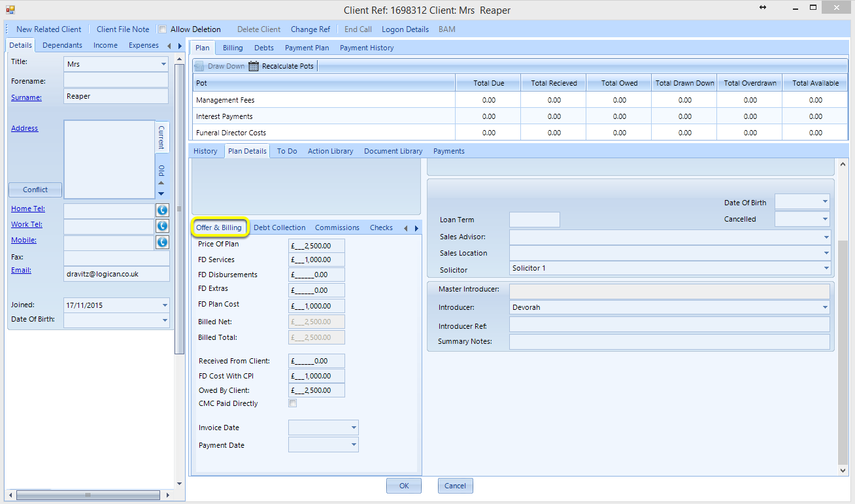
Enter the Offer & Billing details.
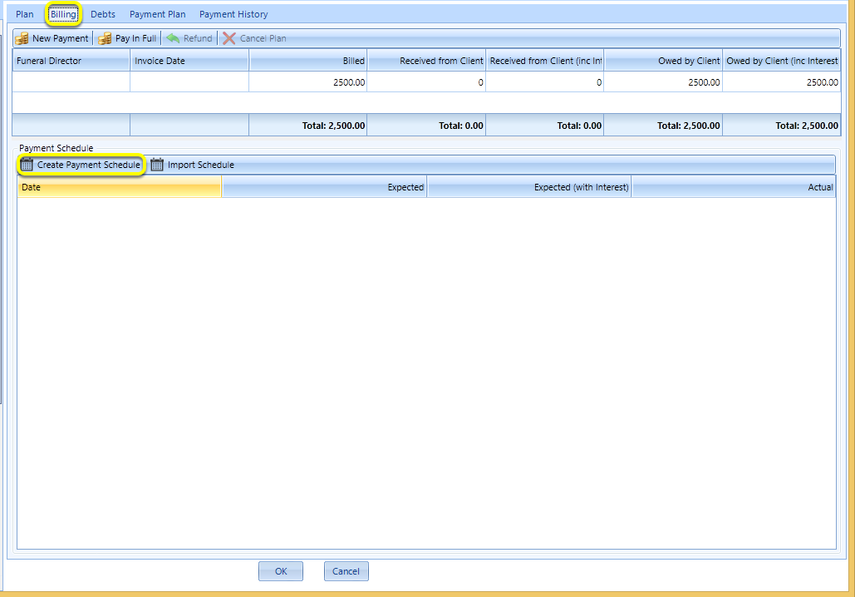
From the Billing tab, click Create Payment Schedule. The Payment Schedule window displays.
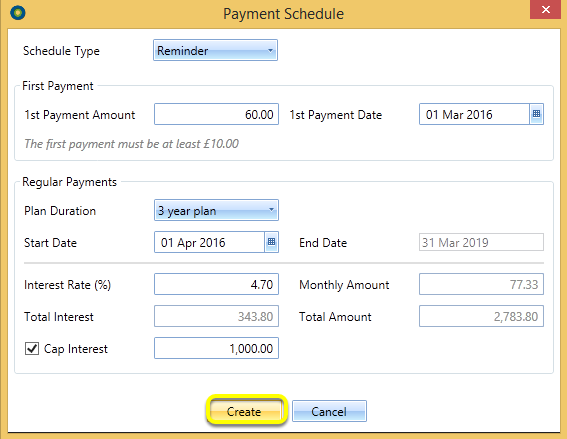
Enter the relevant details and click Create.
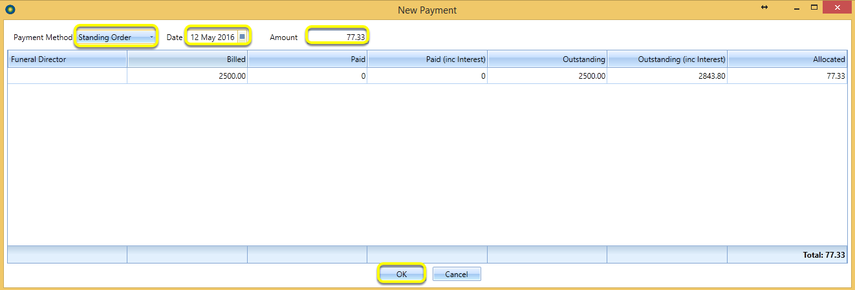
Click New Payment to enter payments in the New Payment window.

Select the Payment Method, payment Date and Amount and click OK.
Draw Down
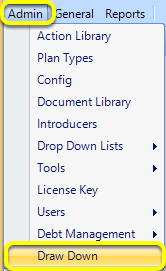
Click Admin > Draw Down.
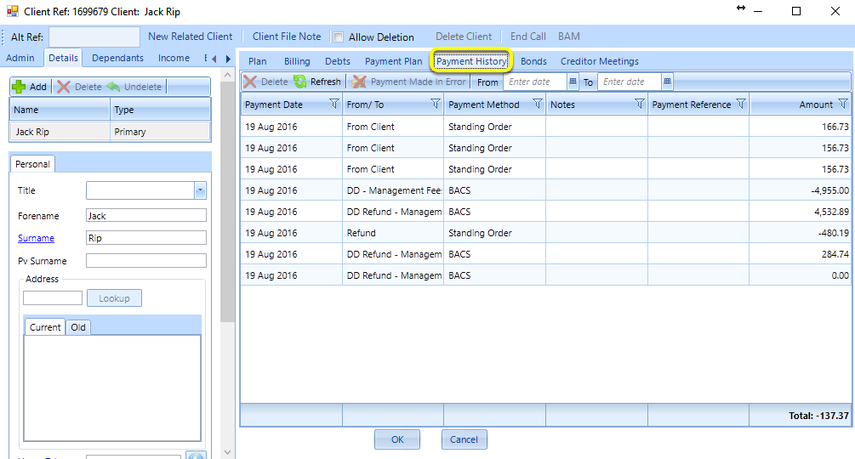
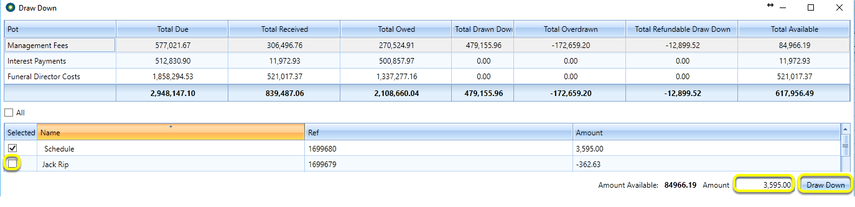
Enter the Amount you want to draw down or tick the Selected checkbox next to name of a client(s) and click Draw Down. The amount(s) is now drawn down and displays in the Payment History tab.
Payment History