Plan Types
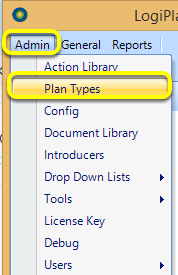
Click Admin > Plan Types. The Plan Types window displays.
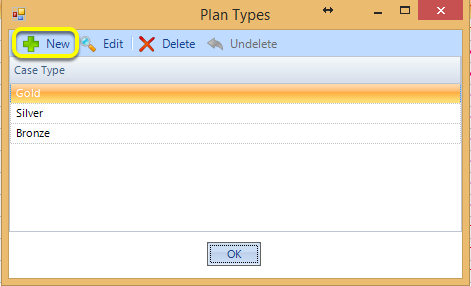
Click New. The Plan Type window displays.
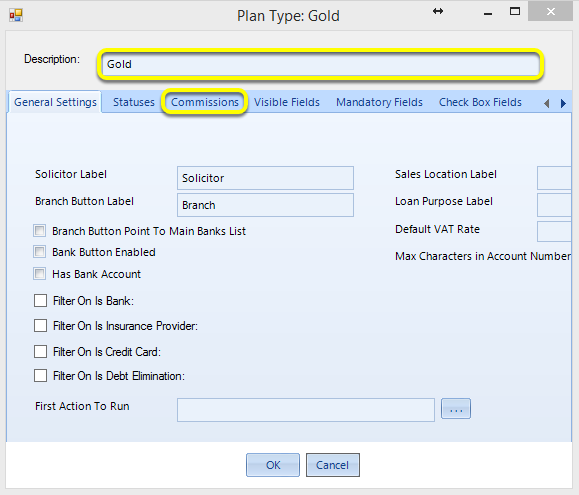
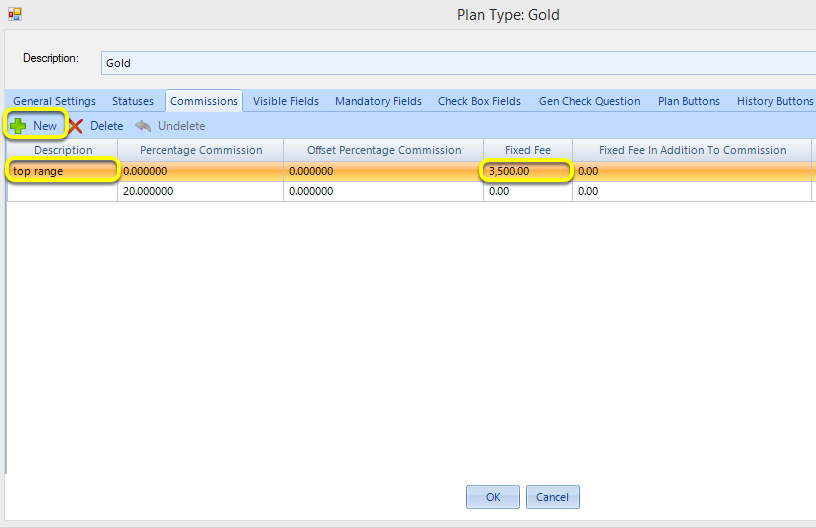
Enter a Description and select the Commissions tab.
Click New. A blank row is added.
Enter a Description and Fixed Fee.
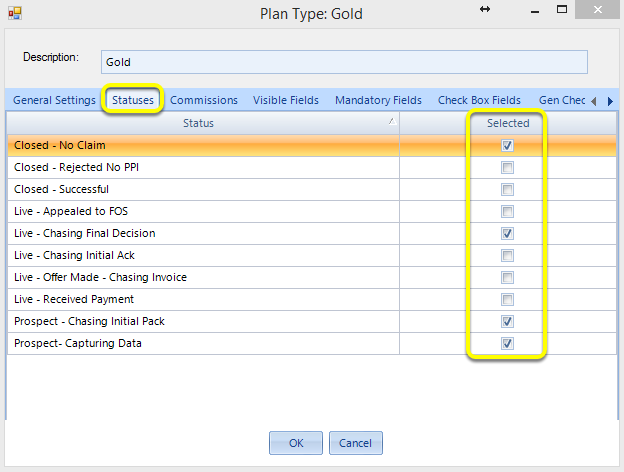
Select the Statuses tab.
Tick the relevant statuses.
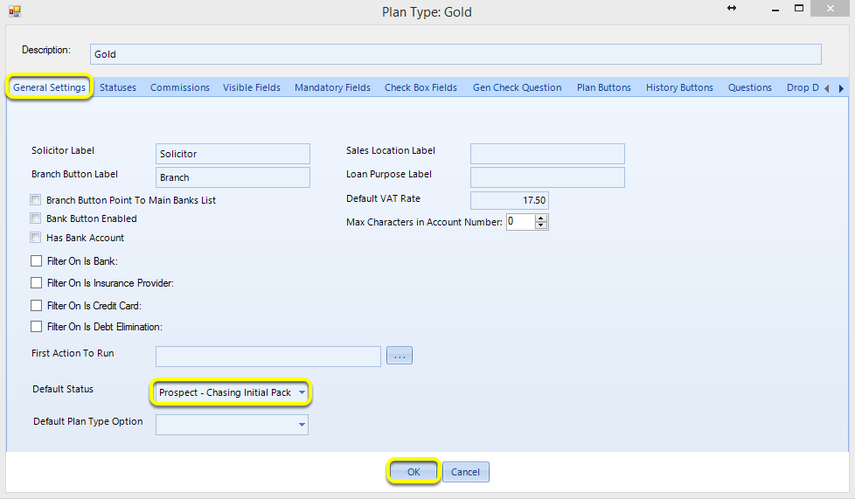
Select the General Settings tab.
Select the Default Status.
Click OK. The Plan Type is now configured.
Note: Repeat these steps until all plan types are configured.