How to set up an Action to change a Client Status
First you must set up the Client Statuses in the drop down list. See here for instruction.
Open the Action Library
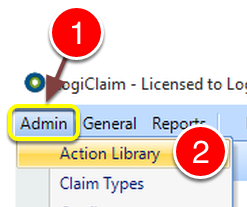
- Click Admin from the Menu.
- Select Action Library from the drop down list - the Action Library will open.
Select the required Action
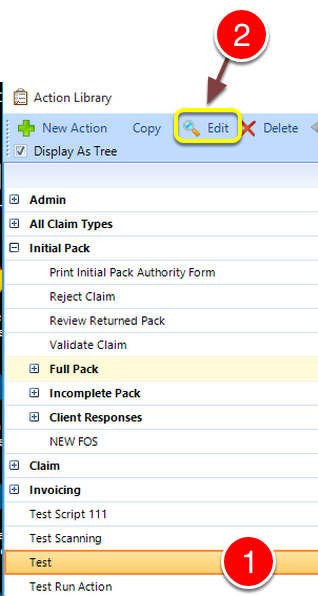
- Select the required Action from the list.
- Click Edit - The Edit Action window will open.
Choose the Client Status and Details
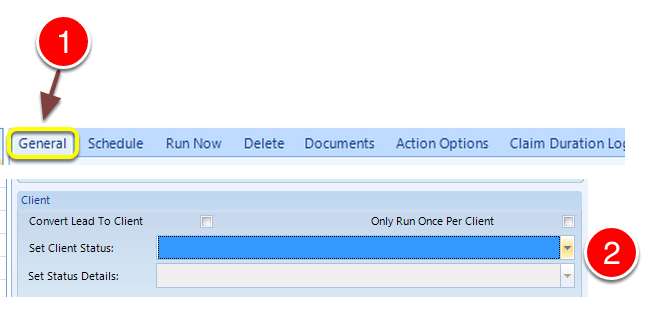
- Click the General tab - the General window will open
- Select the Client Status that the Action should effect.\ Select the Client Status Details that the Action should effect.
Close the window
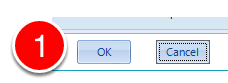
- Click OK to save the data and close the window.