Edit Claim Label Text
Info
This feature enables you to edit the text of labels in the claim form.
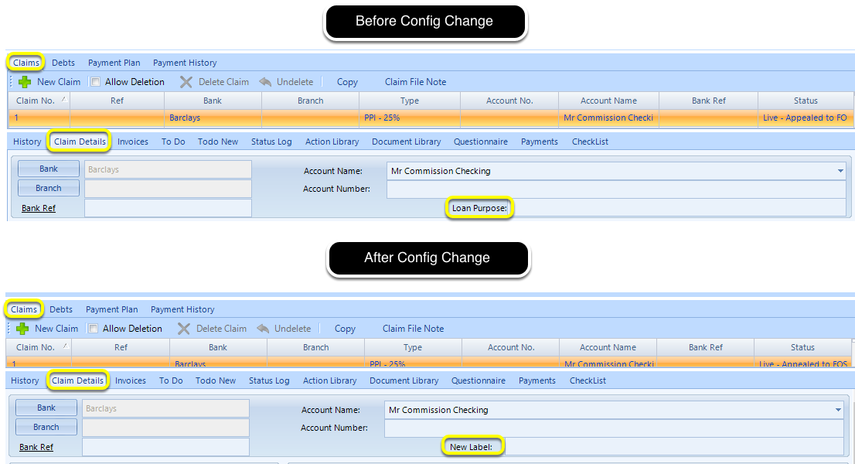
Config
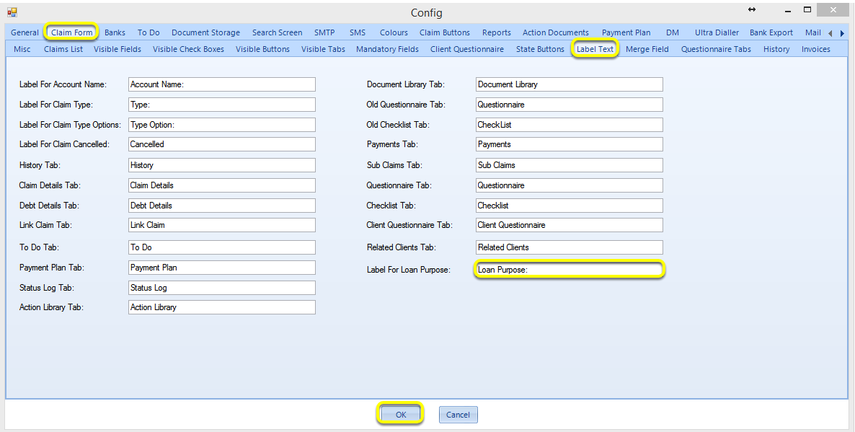
Click Admin > Config > Claim Form > Label Text.
Select the relevant field and edit the text.
Click OK. Your changes are reflected the next time you open a claim.
Introduced in version 2016.7.15.2686