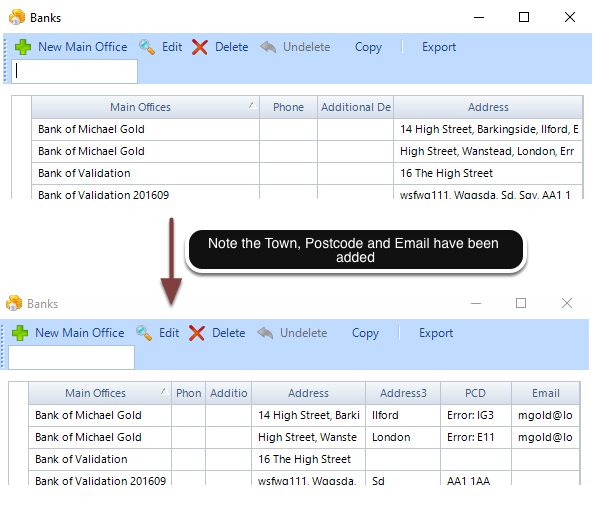
How to show Town, Postcode and Email address for a Bank
This will show how to change the columns found in General | Banks
Open the Config
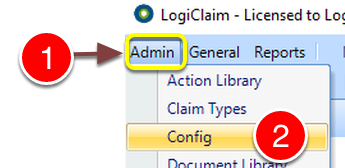
- Click Admin.
- Select Config from the drop down list - the Config window will open.
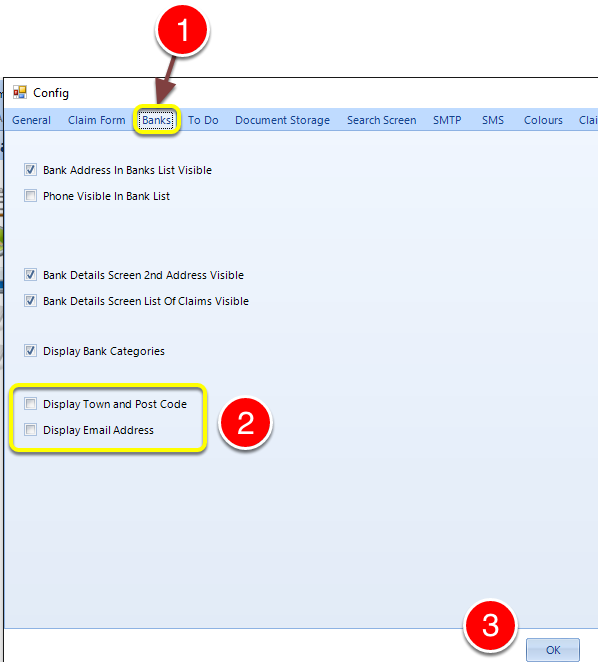
- Click the Banks Tab - The Banks Configuration window will open.
- Tick the tick boxes of the items required.
- Click OK to Save the data and close the window.
Introduced in version number 2016.9.27.2964 - 28/09/2016