How to Attach a Scanned Document to a Claim
Open the To Do List

1: Click To Do from the Side Menu - the To Do list will open.
2: Select the Scanned Document from the list by double clicking it - the Attach document window will open.
Choose the Client
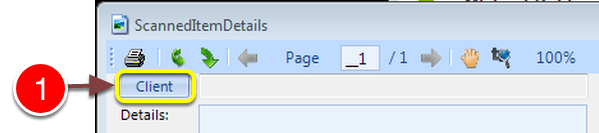
1: Click the Client button - the Search window will open.
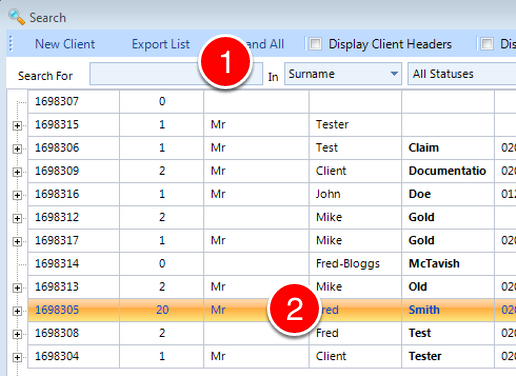
1: Enter some search criteria or press Enter for all.
2: Double click on the client to select.
Select a Claim
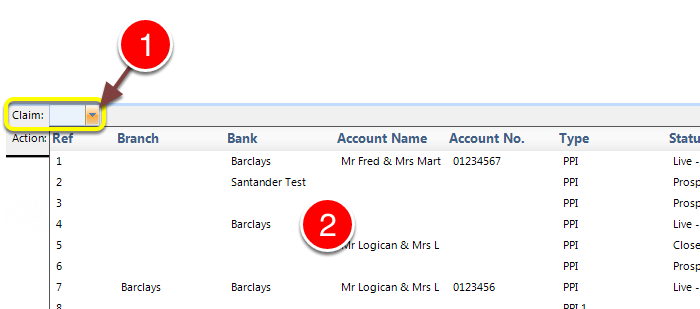
1: Open the drop down list by clicking the arrow.
2: Select a Claim.
Enter Details
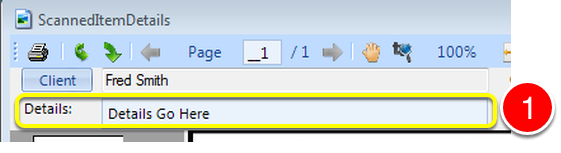
1: If required enter details here.

1: Click OK to Save the details and close the window.
Note: The Item will be removed from the To Do List.