Setting up 'Portal Access Notification' Email Document Templates
LogiPro sends Portal Access Notification emails when Portal Access is Granted, Added, Removed or Denied. There is a document template for each of the four Portal Access Notification emails.
Configure the Document Template
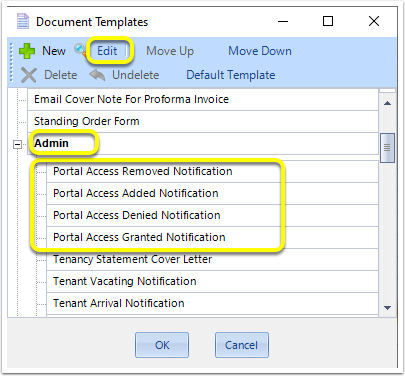
From Admin >Document Templates > Admin > Select one of the Portal Access Notifications and select Edit
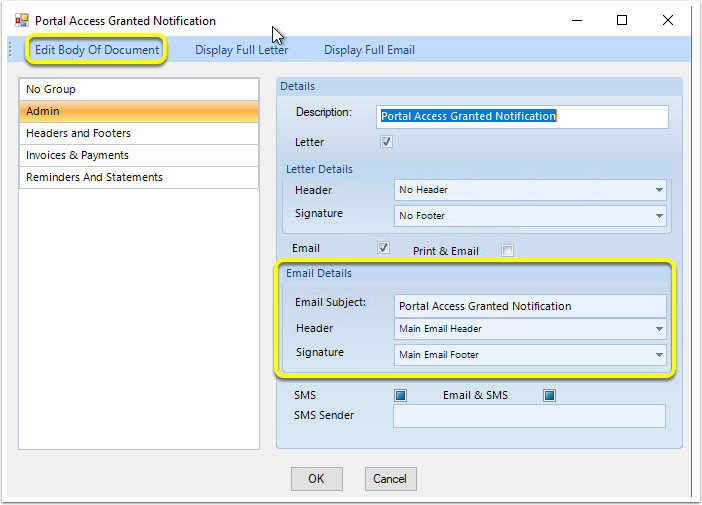
In the Details section, you can select whether to include an existing Header and Footer.
To Open the Template, click Edit Body of Document. The Word document opens.
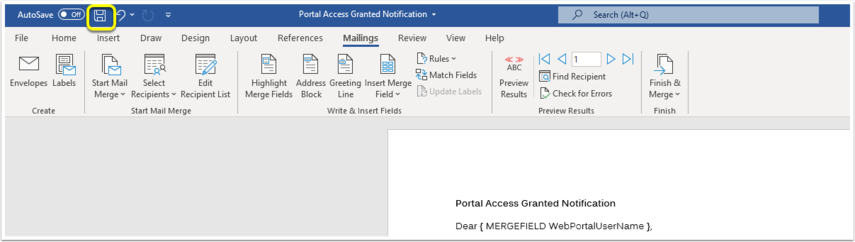
Edit the Document to include the Mergefields you want displayed.
Mergefields that can be used on All the Portal Access Notifications Document Templates
How to Display the Correct Investor/Contact information via a Conditional Merge Statement
View/Download Sample Document Templates
Save and Close your Document.
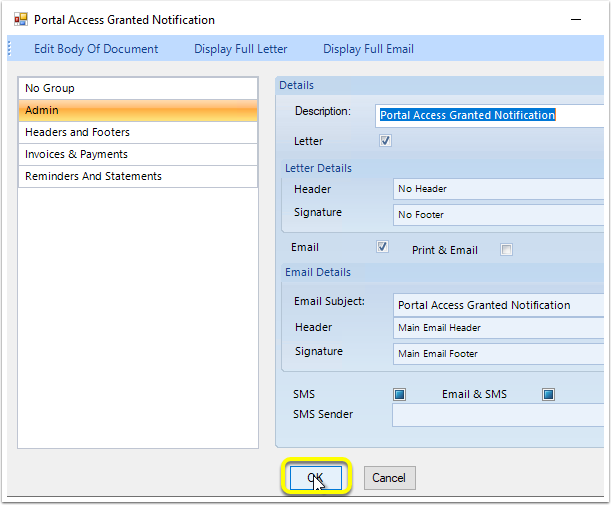
From the Portal Access Notification Document Template window, click OK
On the Document Templates window, click OK.