Statement of Accounts
Info
LogiPro enables you to generate a Statement of Account report for each property and to filter the report by date and nominals.
Generate a Statement of Account Report
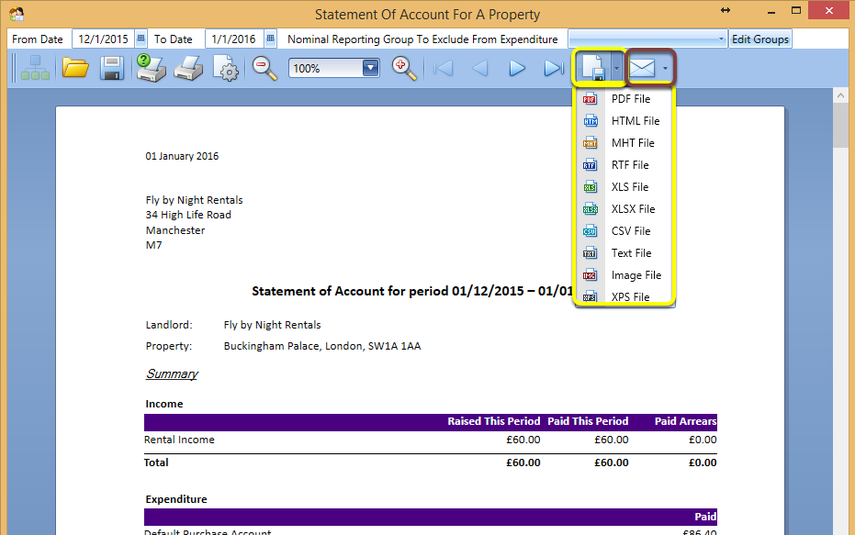
Click Search > Search In Properties > select the relevant property and double-click the property to open it > Statement Of Account. The Statement Of Account For A Property displays.
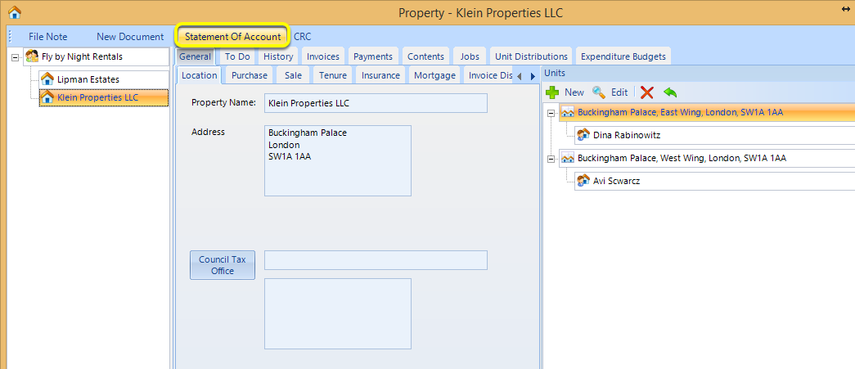
Select the Date range.
If relevant, select any Nominal Reporting Groups To Exclude From Expenditure.
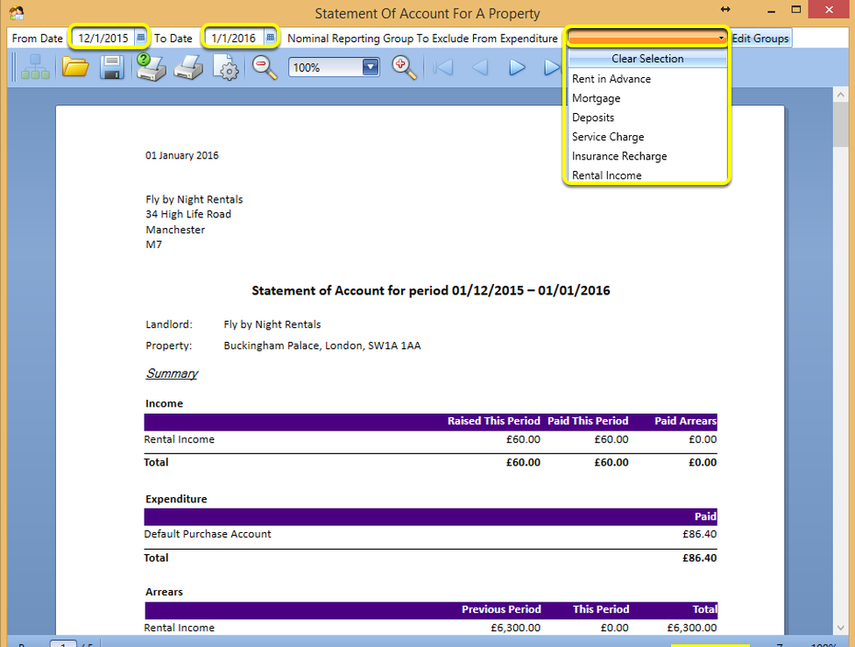
Export
Select the file format to which to export the statement.
Note: By clicking the envelope, you can export the file to any of these formats and include it directly in an email.