Tenancy Statement
The Tenancy Statement enables you to export a list of invoices and payments to tenants.
Configure the Document
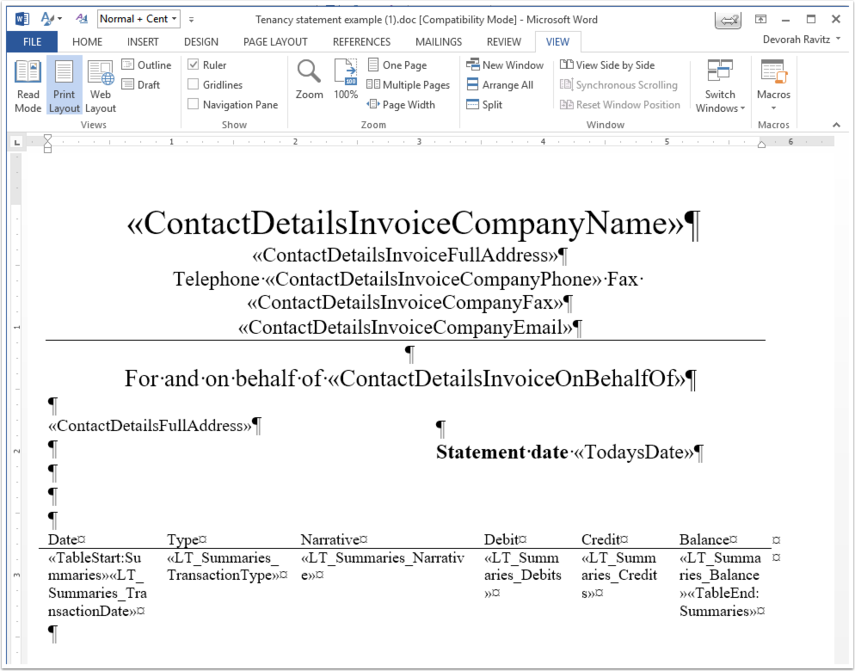
Click Admin > Document Templates >Reminders And Statements Of Account section > Tenancy Statement > Edit > Edit Body Of Document.
Add the relevant Company and Contacts details merge fields.
To create a table, use the LT merge fields.
Run the Report
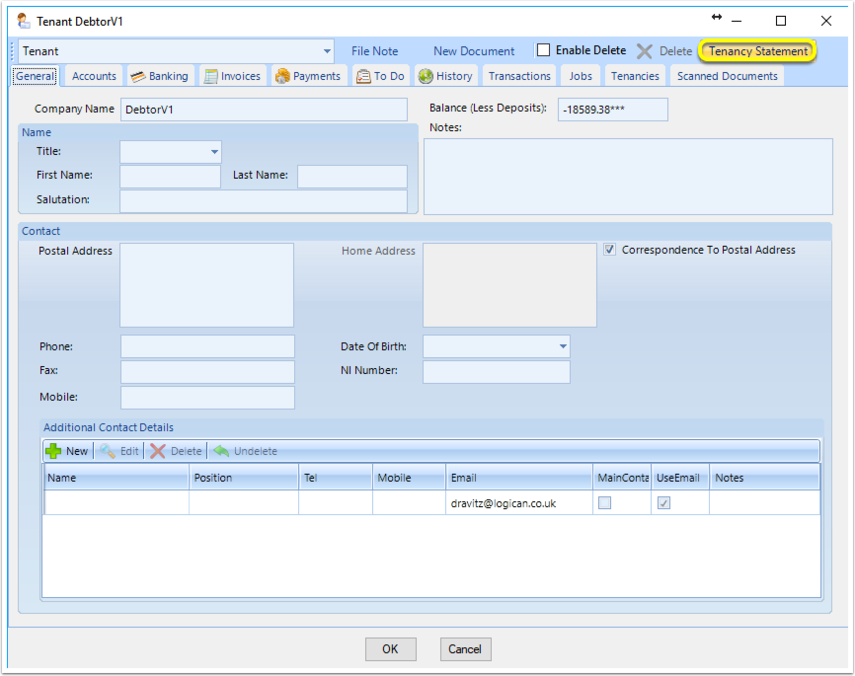
From a Tenant, click Tenancy Statement.
Enter the Start Date and End Date. The report exports in PDF format.
Note: Payments are grouped by date received. Invoices are group by narrative.
Introduced in version 2018.11.1.5507 released on 27/11/2018