How to Delete a VAT Return
Add Permission to user
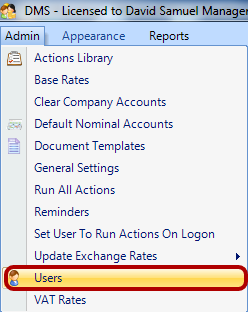
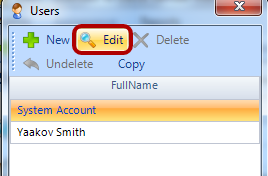
Edit User
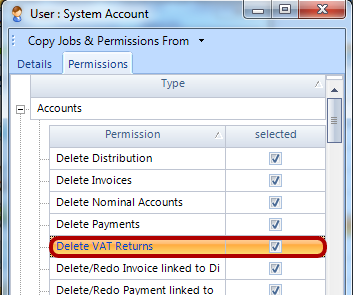
Select Delete VAT Returns For User
Open company and Go to VAT Tab
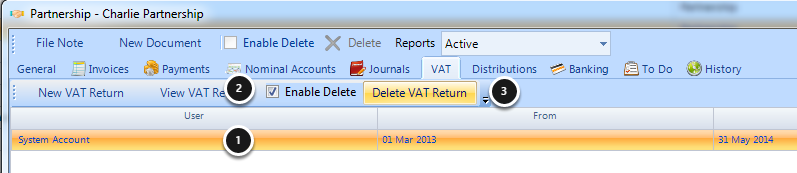
1) Select the VAT return
2) Click the Enable Delete check box
3) Click Delete VAT Return
If a payment has been made for this VAT return then the related payment will be shown in a payment screen.