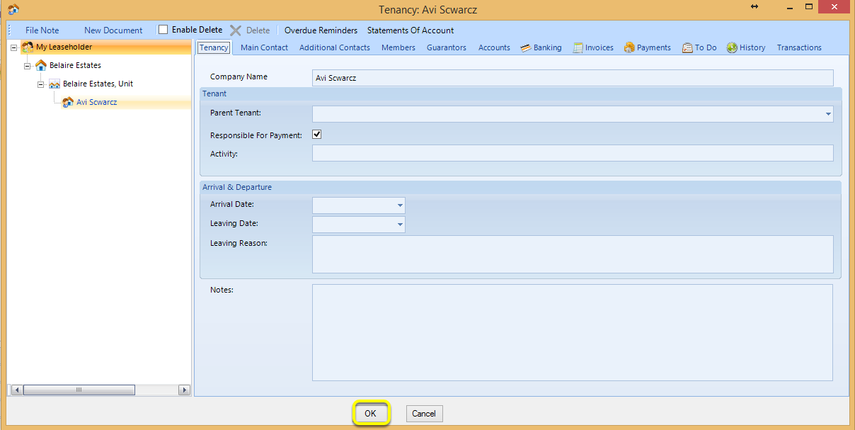
Add a Tenant to a Unit
Add to Units
For instructions on units setup, click here.
To add a lease to a unit:
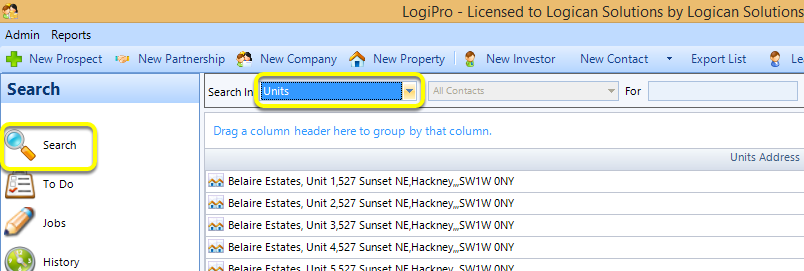
From the Search > Search In Units window, and double-click an existing unit to open the unit. The Unit Details window displays.
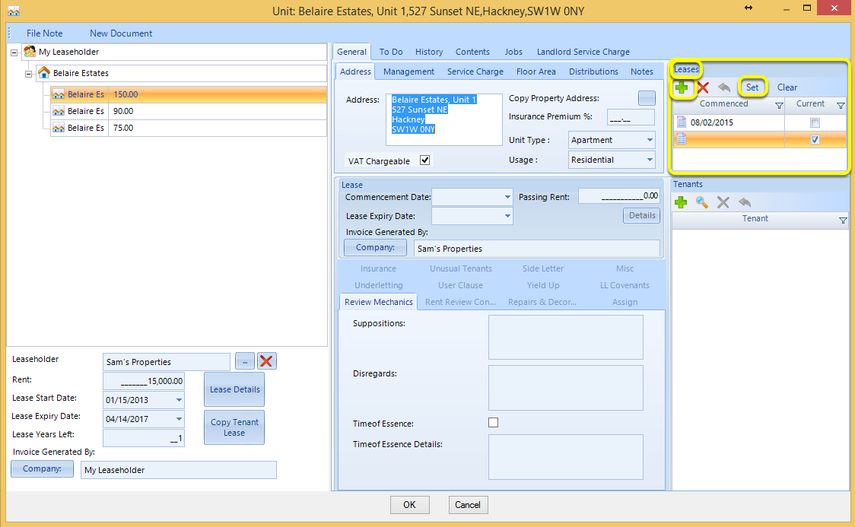
1. From the Leases section of the Unit Details window, click + to add a new lease.
2. Click Set to set this lease as the current lease.
Note: After setting a lease as current, the Tenants + becomes active.
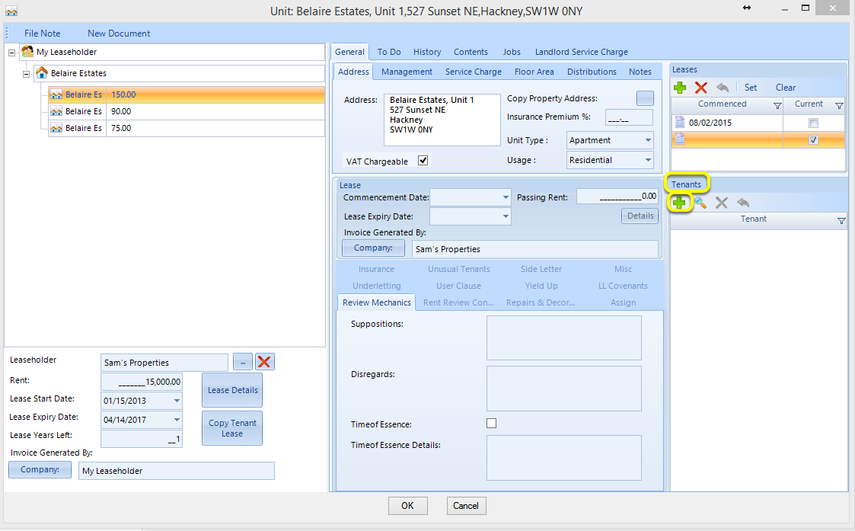
Add Tenants
From the Tenants section of the Unit Details window, click + to add a new tenant. The Tenant window displays.
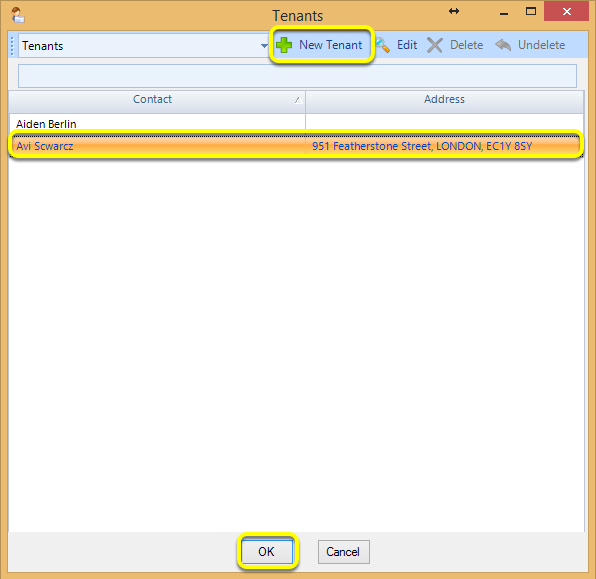
Select an existing Contact or add a New Tenant and click OK. The Tenancy window displays.
Note: For instructions on adding a new tenant, click here.
Populate the relevant fields on the relevant tabs and click OK. The rent Details button becomes active.