Delete a Service Charge Reconciliation
Info
This feature enables you to delete a service charge reconciliation if any changes are required.
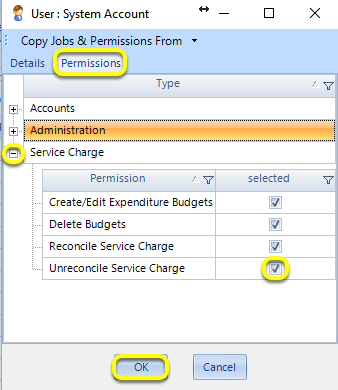
Enable the permission from Admin > Users > select the user and click Edit or double-click the user > Permissions tab, Type Service Charge > tick Unreconcile Service Charge > OK.
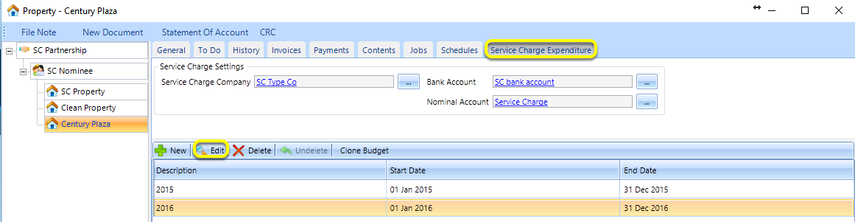
Open the Property Service Charge Expenditure tab.
Select a budget and double-click or click Edit.
Note: Unreconcile can only be performed if none of the reconciliation invoices have been paid.
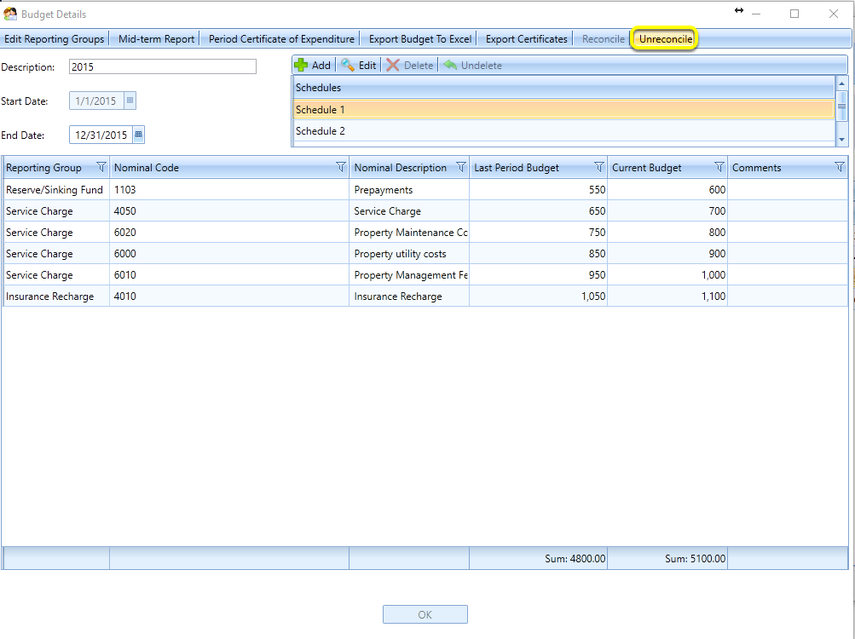
From the Budget Details window, click Unreconcile. The reconciliation credit notes/invoices are removed.
Introduced in version number 2016.9.13.3391 - 28/09/2016