Assign an Action
Info
This feature enables you to assign an action to a specific user's To Do list or reassign an action to a different user.
New Actions
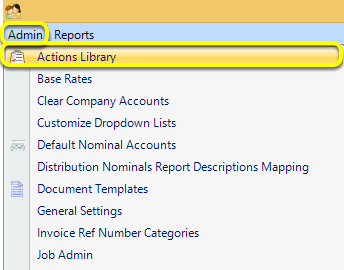
Click Admin > Actions Library. The ActionTypesList displays.
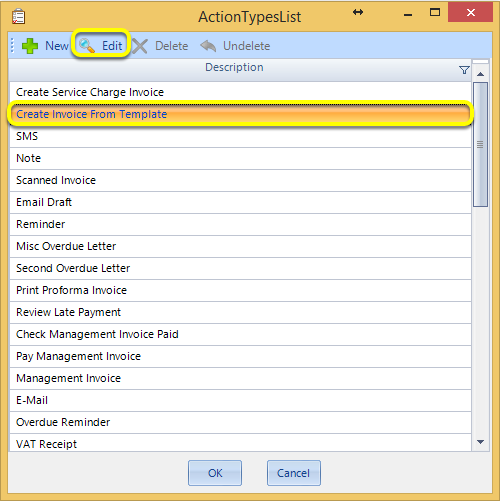
Select Create Invoice From Template and click Edit or double-click to open the Action Type.
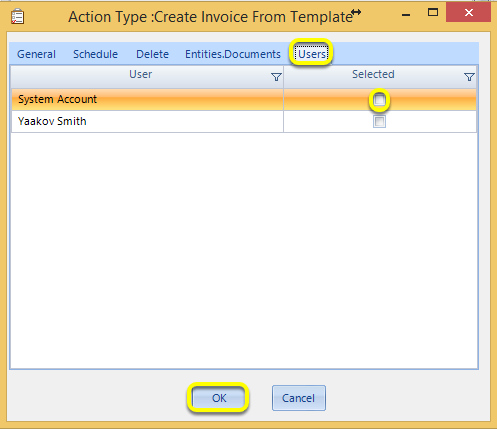
From the Users tab, tick the relevant users for whom the action should be assigned.
Click OK. The relevant user(s) will now have those actions assigned to them when the specified action is generated.
Reassign Existing Actions
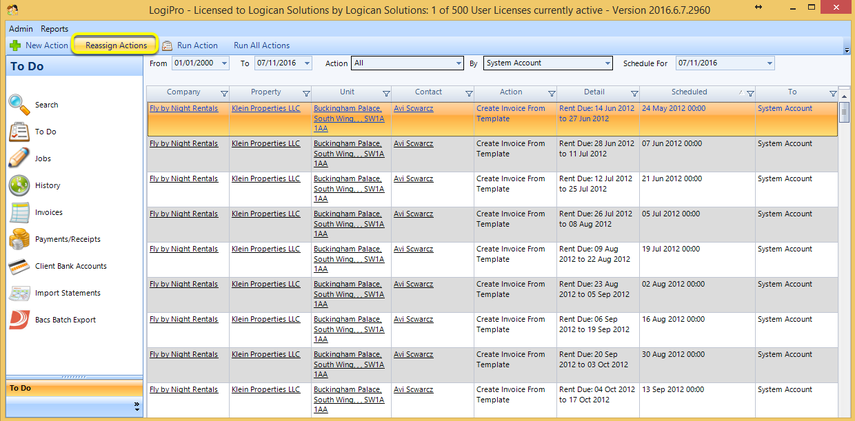
From the side-menu, click To Do. The To Do screen displays.
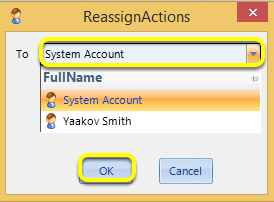
Select an action and click Reassign Actions. The ReassignActions window displays.
From the To drop down list, select the relevant user to whom the action should be reassigned and click OK. The selected action now displays in the relevant user's To Do list.