How to limit an Action to only be run once against a client
Open the Action library
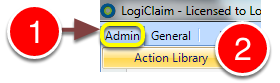
1: Click Admin from the menu.
2: Select Action Library from the drop-down menu - the Action Library will open.
Open the Action window
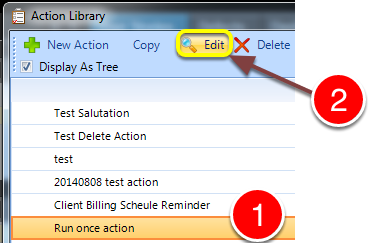
1: Se;lect the required Action.
2: Click the Edit button - the Action Type window will open.
Change the setting
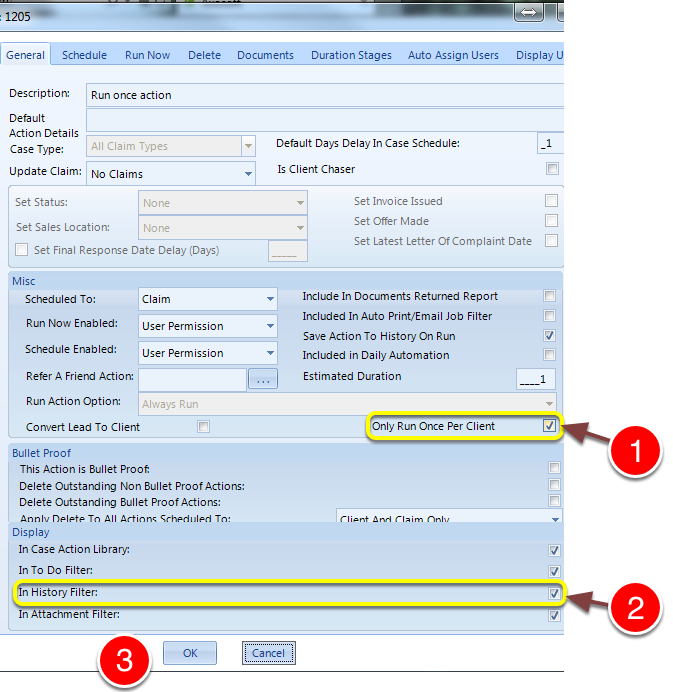
1: Tick the Only Run Once Per Client check-box to limit the Action's use to once per client.
2: Ensure that the Action displays in the Main History window.
3: Click OK to save and close the window.