Permission to Edit an Invoice Ref
Info
This feature enables you to show or hide the Invoice Ref field as allow or disallow the user to edit the field when visible.
Set the User Permissions
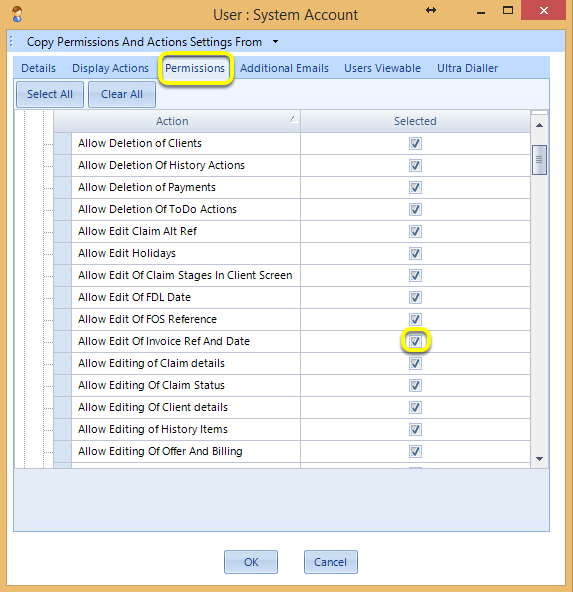
Click Admin > Users > Users > select the user and click Edit> from the Permissions tab, tick or untick Allow Edit Of Invoice Ref Date.
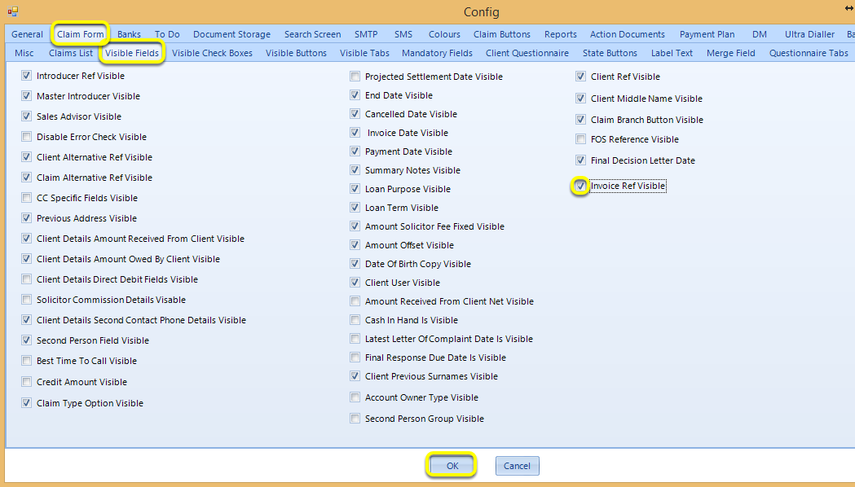
Click Admin > Config > Claim Form > Visible Fields > tick/untick Invoice Ref Visible.
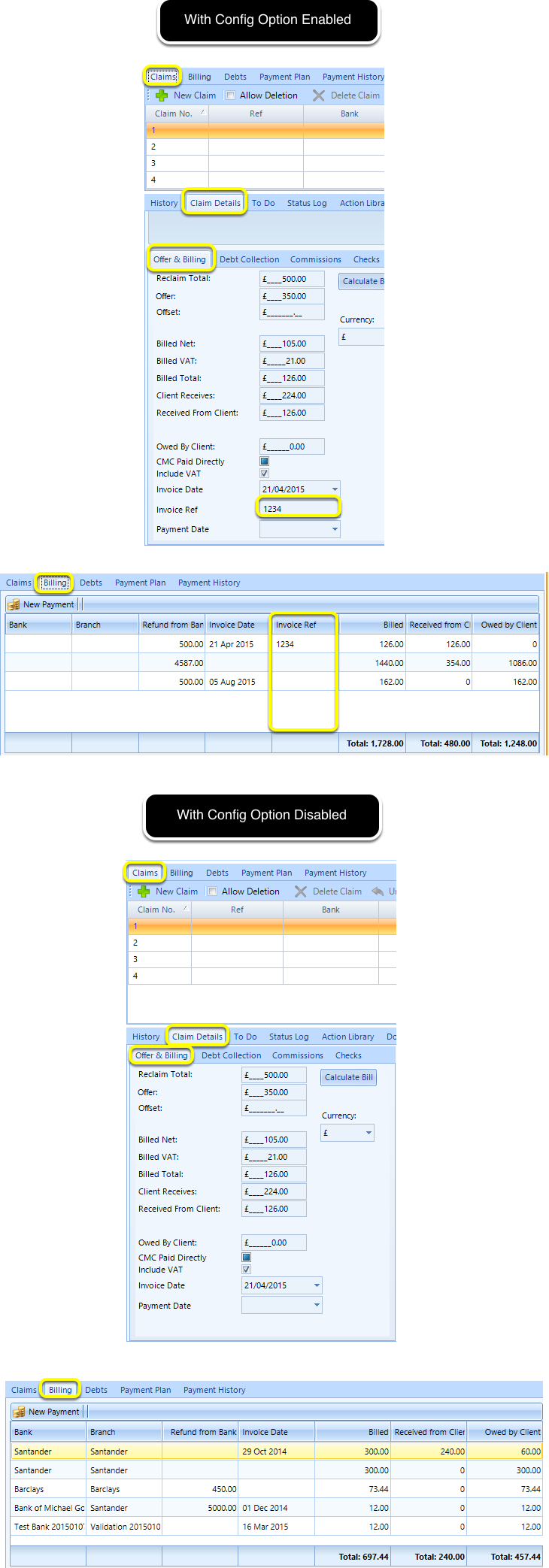
Config Option Enabled/Disabled
Introduced in version 2016.2.1.2369