Set License Warning Message Days before Expiry
Info
This feature enables you to set the amount of days before license warning message displays and creates a small bubble at the bottom-right of the screen rather than a message box in the center of the screen.
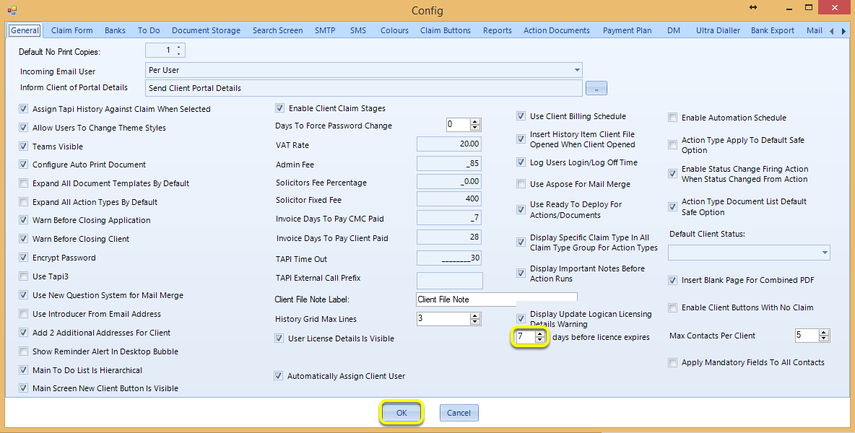
Click Admin > Config and set the days before license expires field and click OK. The license message now displays before the set period of time as a small bubble at the bottom-right of the screen.
Introduced in version 2016.5.11.2512