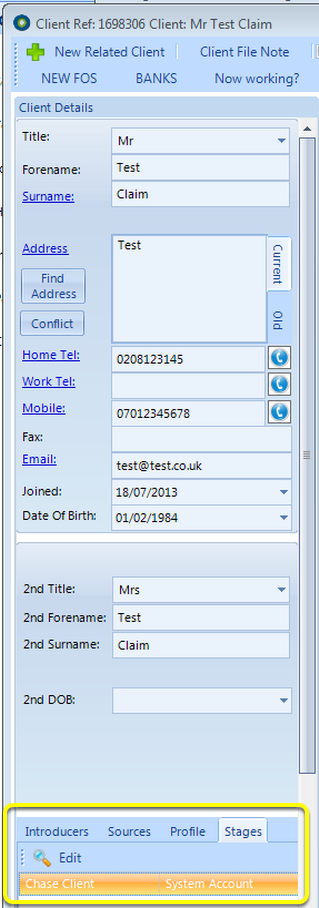
How to set up Claim Stages
1: Client Claim Stages must be Activated. Click here for Instruction.
2: A User must be authorised to enter the Client Claim Stages admin section. Click here for instruction.
Open the Claim Stages window
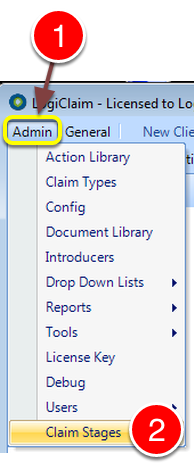
1: Click Admin from the Menu.
2: Select Claim Stages from the drop down list - the Claim Stages Admin window will open.
Create a Claim Stage
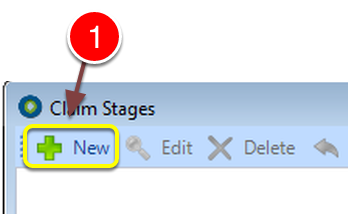
1: Click New - the New Claim Stage window will open.
Add a Description
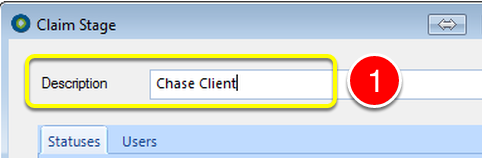
1: Type the description for the Claim Stage
Add the Claim Status(es) to the Stage
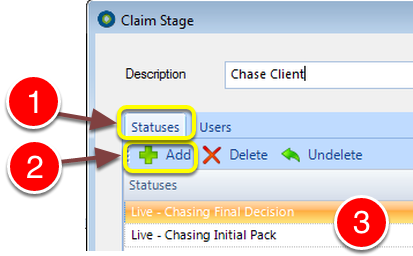
1: Click the Statuses tab.
2: Click Add to add a Status from the pop-out list. Click the Add button to add more.
3: The selected Statuses will be displayed in the list.
Associate Users
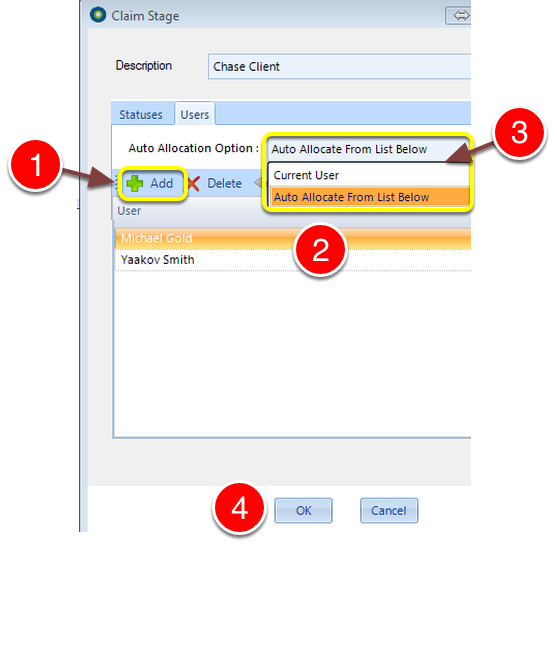
1: Click Add to select a User from the pop-out list. Click Add again to add more users.
2: Selected Users will be displayed in the list.
3: Select how the owner of a clients stage should be picked, from the drop-down list.
4: Click OK to Save the data and close the window.
Stages show in the Client Stages tab