How to Undelete a Client
Info
If a client is deleted and later on needs to be undeleted, the client can be recovered with the Client number.
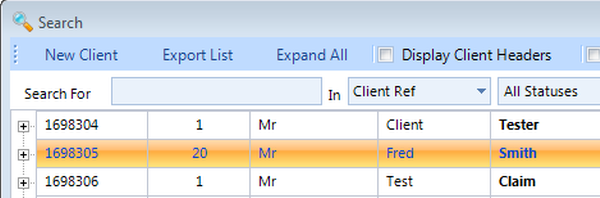
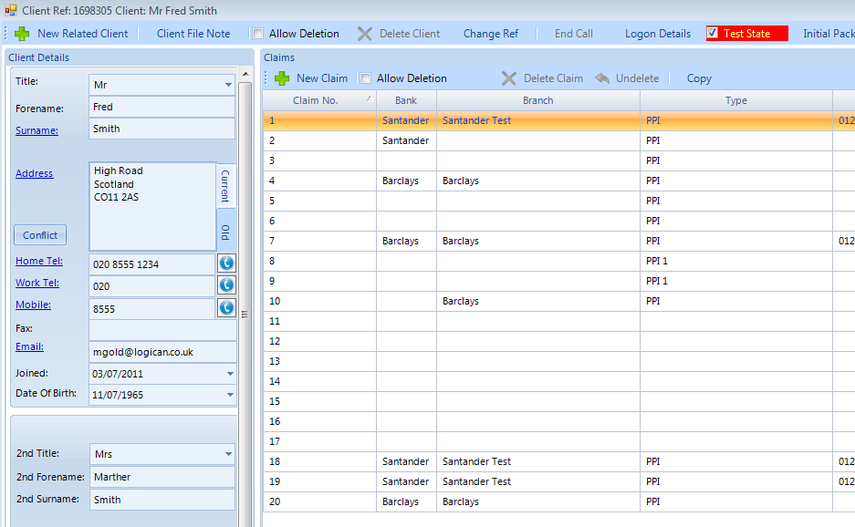
Example of Client
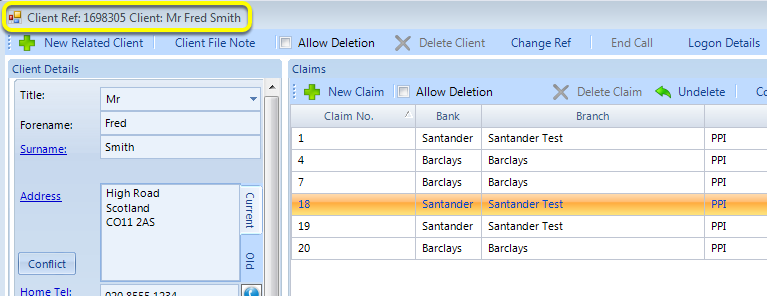
Pictured above is Client 1698305 with 6 claims attached.
Client has been Deleted
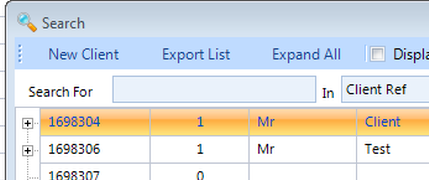
As we can see on the search list above, the client is now Deleted.
Open the Undelete Client window
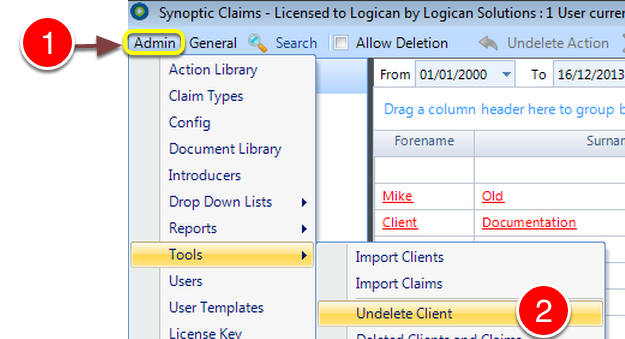
1: Click Admin from the Menu and select tools.
2: Click Undelete Client from the drop down list - the Undelete Client window will open.
Undelete Client
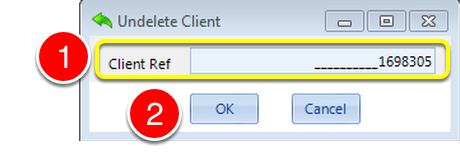
1: Type the Client Reference number of the Client that needs to be restored..
2: Click OK - the window will close and the Client will be Undeleted.
The client has been Undeleted
When a Client is Undeleted, all Claims associated with that Client will also be restored regardless of the Claim status.
This is because the time of deletion is not stored on the system and therefore the system restores all information attached to the recovered Client.