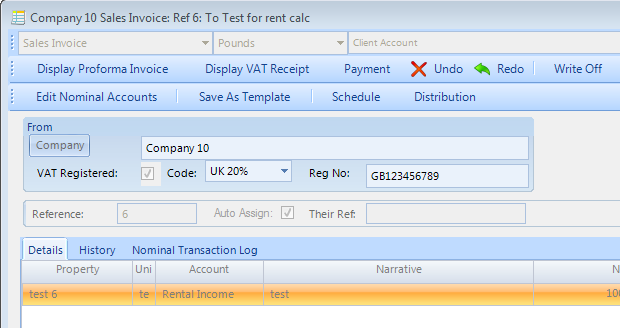
How to authorise or deny a User permission to undo an invoice that is included in a VAT return
Open the User window
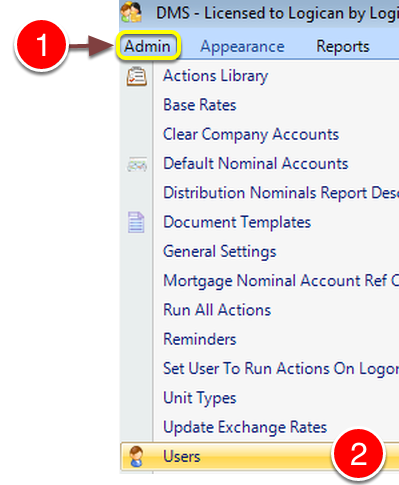
1: Click Admin from the Menu.
2: Select Users from the drop down list - the Users window will open.
Edit User
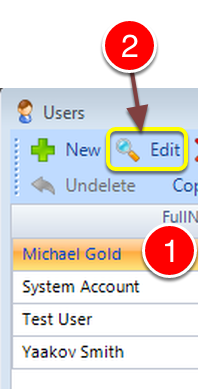
1: select the required User.
2: Select Edit - the Edit User window will open.
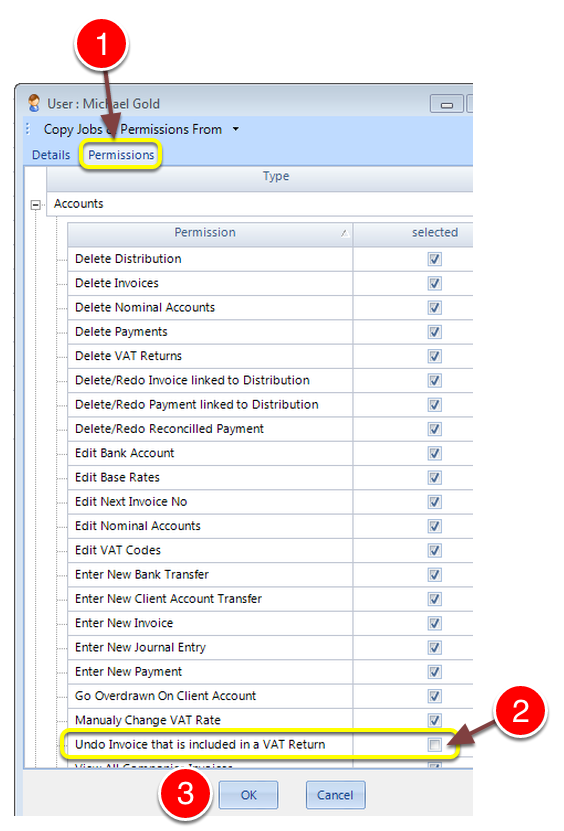
1: Select the Permissions tab - the Permissions window will open.
2: Click the 'Undo Invoice that is included in a VAT Return' check box on to authorise the action or off to deny the action.
When Denied, the Undo will be deactivated.
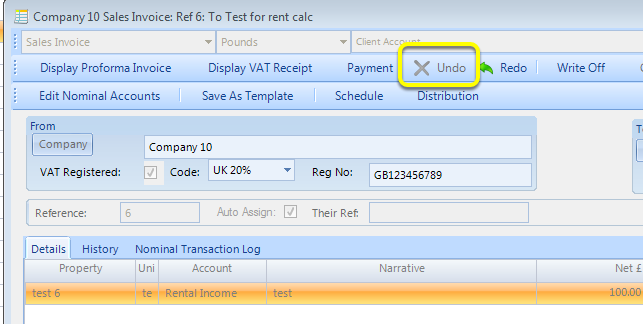
When authorised, the Undo button will be live.