How to set up the Payment Receipt Template
Open the Document Templates
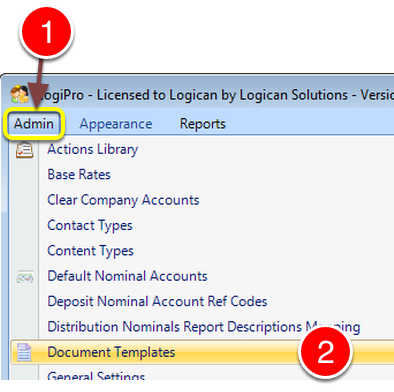
1: Click Admin from the Menu.
2: Select Document Templates from the drop down list.
Open the Payment Receipt
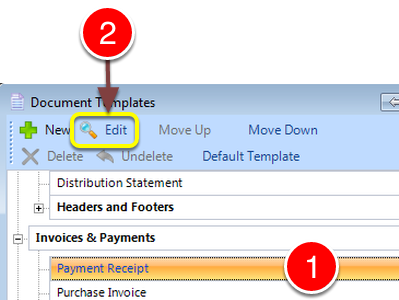
1: Select the Payment Receipt Document.
2: Click Edit - the Edit Document window will open.
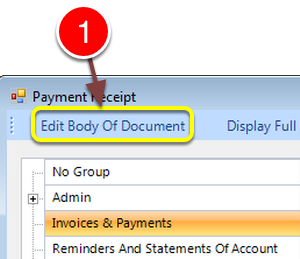
1: Click Edit Body of Document
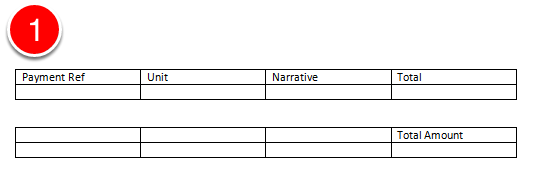
1: Create 2 tables 4 columns by 2 rows and put in the headers as shown.
Save the document.
Print a Receipt
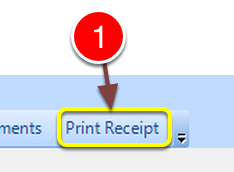
After a Payment is received and posted to the Account.
1: Click the Print Receipt button - the Receipt will be produced.