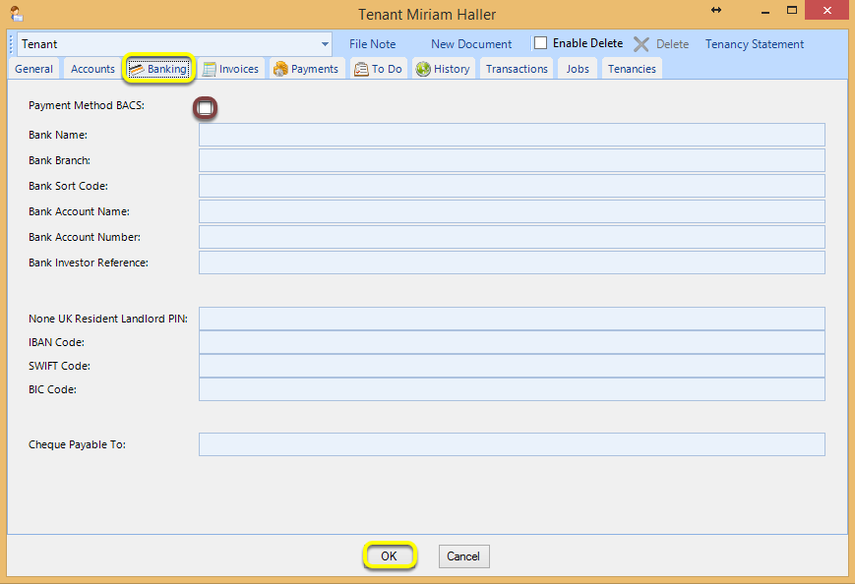
Add Bank Details
Info
Bank details can be added to contacts to be able to process transfers.
From a Contact
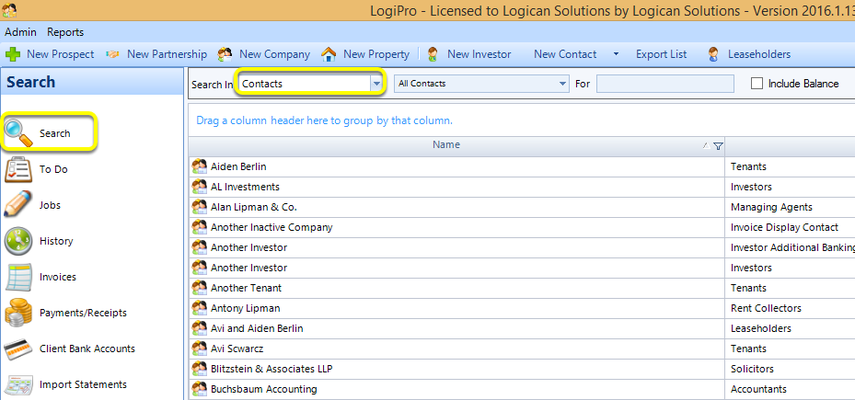
Click Search > Contacts, select a contact, and double-click to open the contact. The Contact window displays.
From the Banking tab, enter the bank details and click OK to save the details.
Note: If Payment Method BACS is ticked Bank Sort Code, Bank Account Name, and Bank Account Number are mandatory.