Transactions Log
Info
The Transactions log enables you to view all of the double entries log. The Transactions log is available in both Companies and Contacts.
From a Company
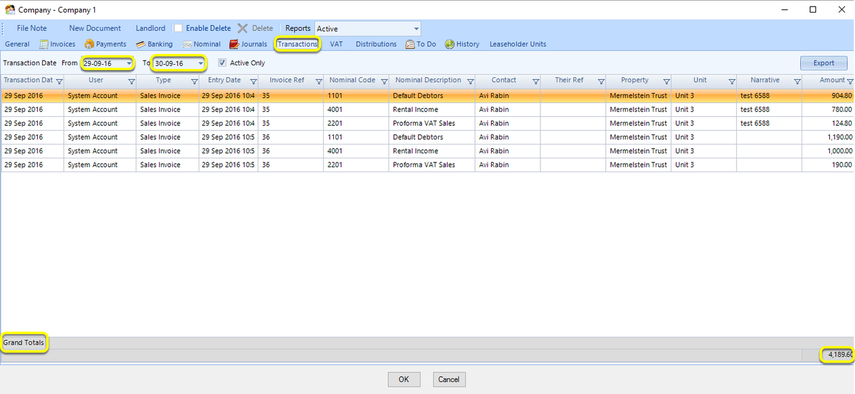
Click Search > Search In Companies > select a company and double-click the company to open it > Transactions tab.
Select the From and To date range to display. All of the transactions from those dates display, as well as the Grand Totals of the selected data.
From a Contact
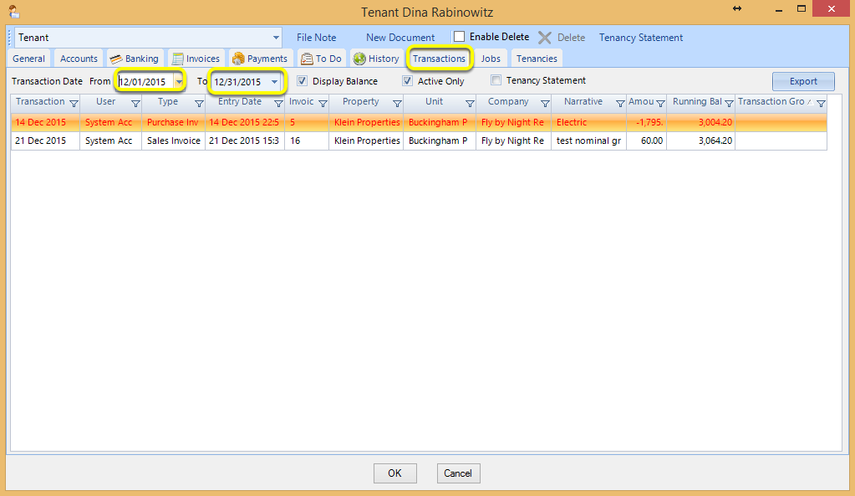
Click Search > Search In Contacts > select a contact and double-click the contact to open it > Transactions tab.
Select the From and To date range to display. All of the transactions from those dates display.