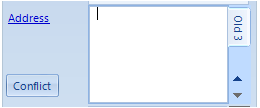
How to view 2 addtional previous addresses of each client
Info
It is now possible to view 2 additional previous addresses of each client
These are stored against each client but are not included as mail merge fields
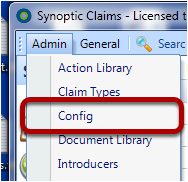
Click on the Config Option in the Main Menu
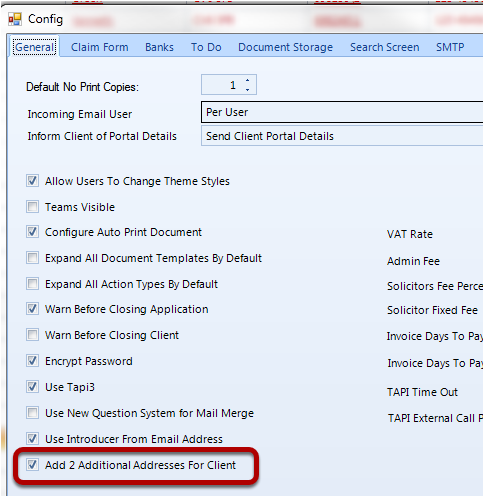
In the General Tab - tick the "Add 2 Additional Addresses for Client" check box
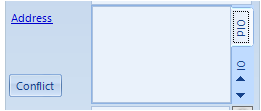
In the client details screen the Address Tab now shows 2 up and down arrows
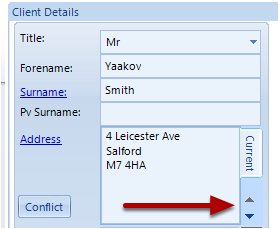
Scroll down and click on the Old tab to display the previous address
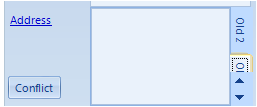
Scroll down again and click on the Old 2 tab to display an additional previous address
Scroll down again and click on the Old 3 tab to display another additional previous address