How to sort the To Do list
Open the To Do list
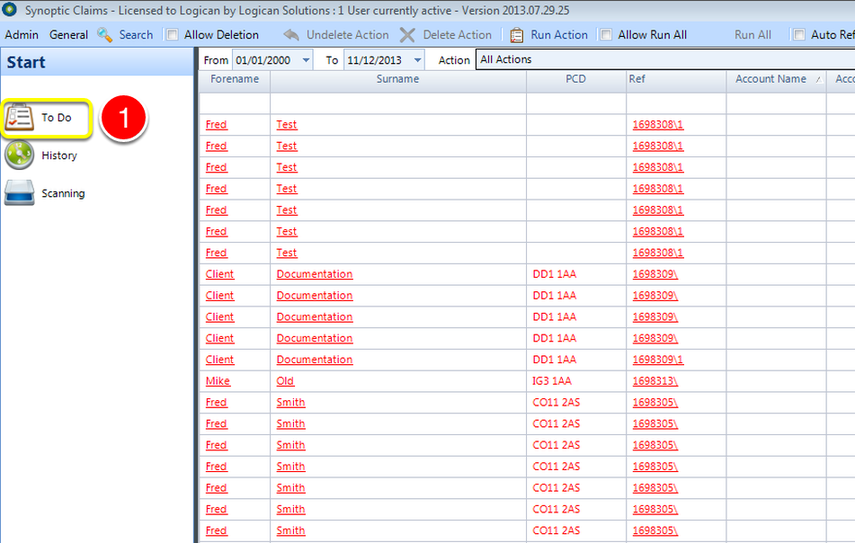
1: Click the To Do button on the Side Menu - the To Do list will open.
Click on a heading
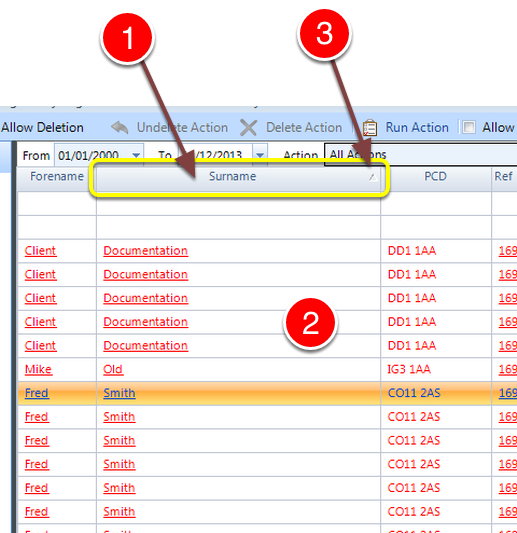
1: Clicking on a heading will sort the list by the data in the column.
2: The list will be reordered and displayed.
3: An arrow will show in the heading to show that is the column that is the primary sort order.
Note: Clicking the same header again will reverse the sort order.