How to add a File Note for a client across multiple claims
Info
Open the Search window
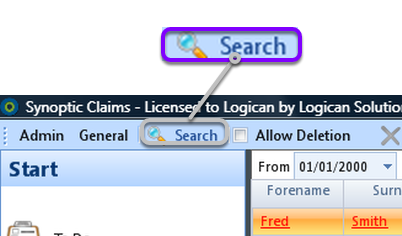
1: Click Search from the Menu - the Search window will open.
Select the Client
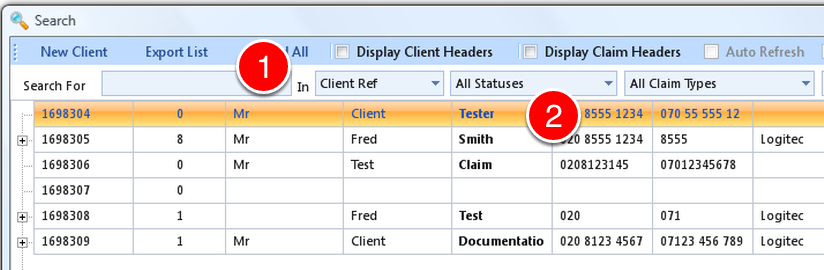
1: If required, select some search criteria, OR just press Enter to display them all.
2: Double click the required Client - The Client Details window will open.
Add the Note
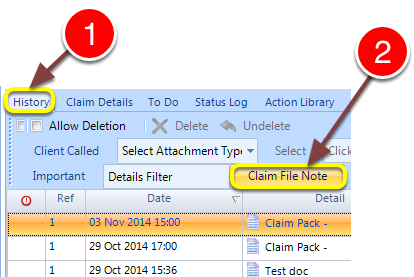
1: Click The History tab - the History window will open.
2: Click the Claim File Note button - the File Note window will open.
Add the File Note
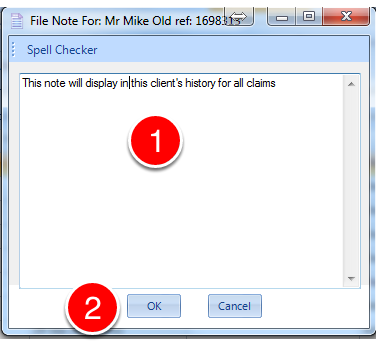
1: Type the File Note. You can use the spell checker as required.
2: Click OK - the File Note window will close.
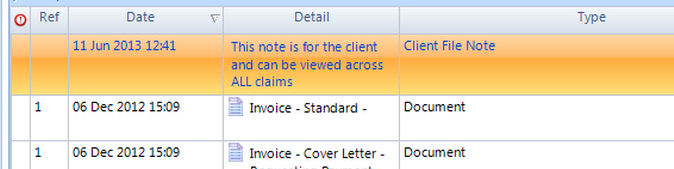
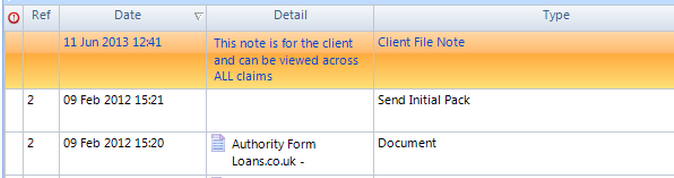
The file note is shown in history for all claims