How to view the Claim Stage Duration information on a Claim
Info
The User must be authorised to see this information. Click here for instruction.
Search for a Client
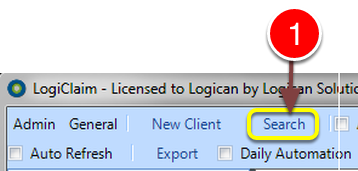
1: Click the Search button the Search window will open.
Perform the Search
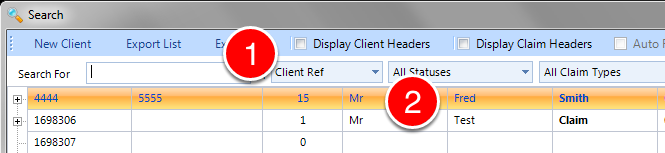
1: If required enter some search criteria or press enter to select all.
2: Double click the required Client - the Client window will open.
View the details of the Claim Duration Log.
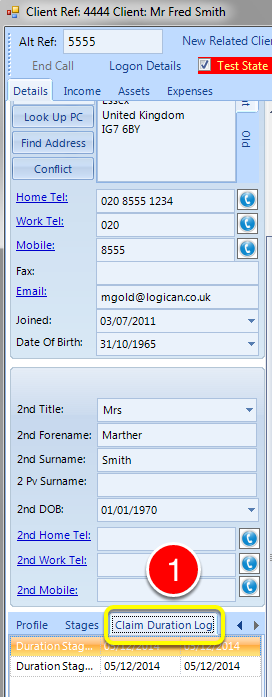
1: Click the Claim Duration Log tab - the information will be displayed.
NOTE: Each claim may have separate logs.