Email Tab
Info
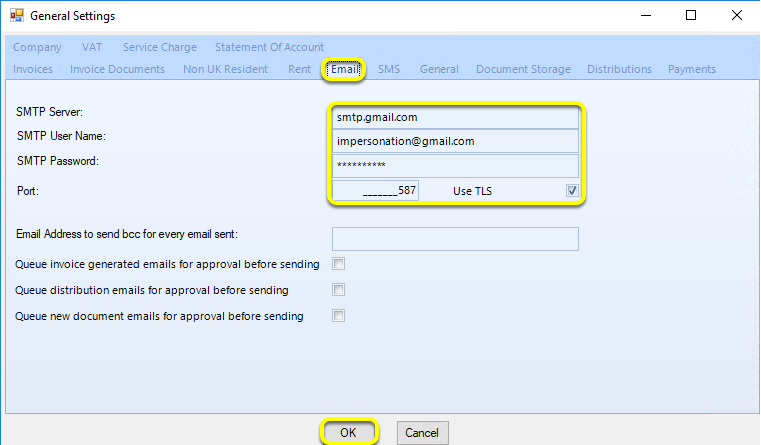
Use the Email tab to configure your SMTP settings for sending emails through LogiPro.
Email Tab
Click Admin > General Settings. The General Settings > Email tab displays.
Enter your SMTP details.
Click OK to save your settings and close the window.