Service Charge Tab
Info
Configuring these settings adds or removes service charge option to/from an invoice.
Config
Click Admin > General Settings. The General Settings > Service Charge tab displays.
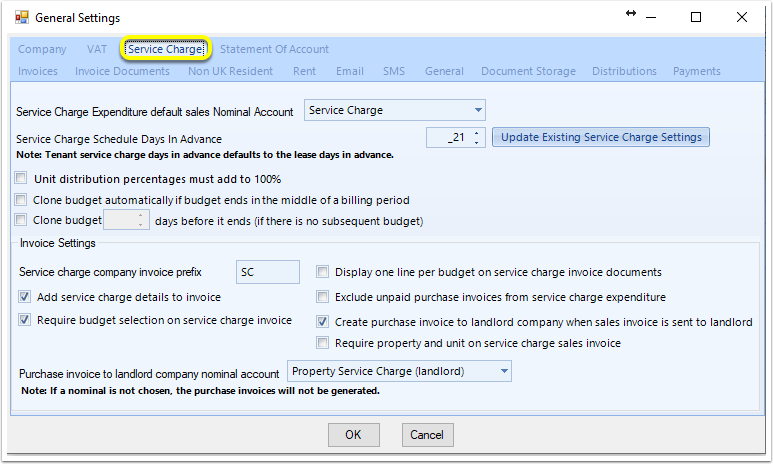
Service Charge Expenditure default sales Nominal Account
When this config option is selected, all service charge sales invoices will default to use this nominal.
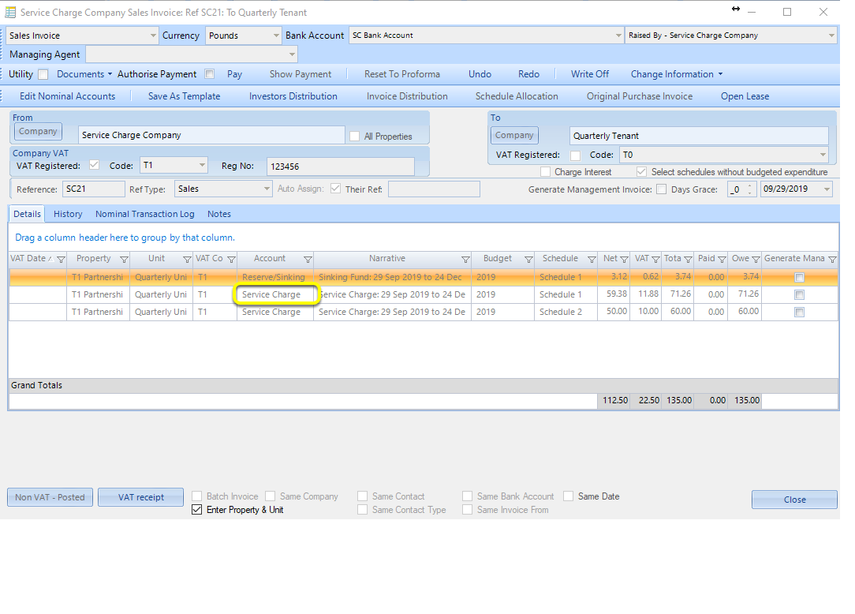
Service Charge Schedule Days In Advance
Enter the amount of days in advance you wish the service charges invoices to generate prior to being due.
Note: The service charge lease settings will default to this amount.
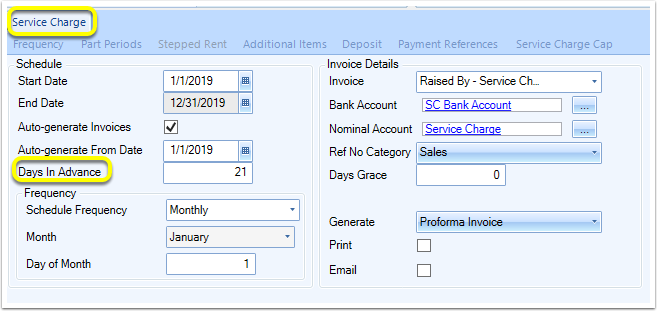
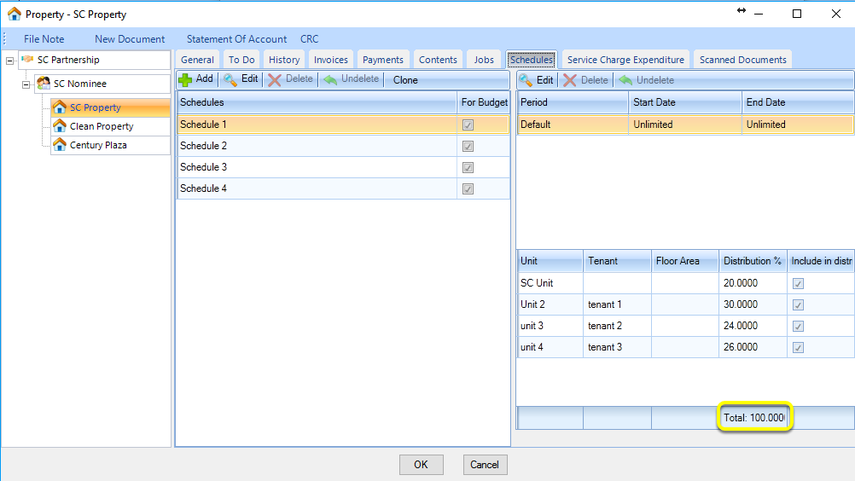
Unit distribution percentages must add to 100%
This setting forces a user to ensure that the unit distributions total 100%.
Clone budget automatically
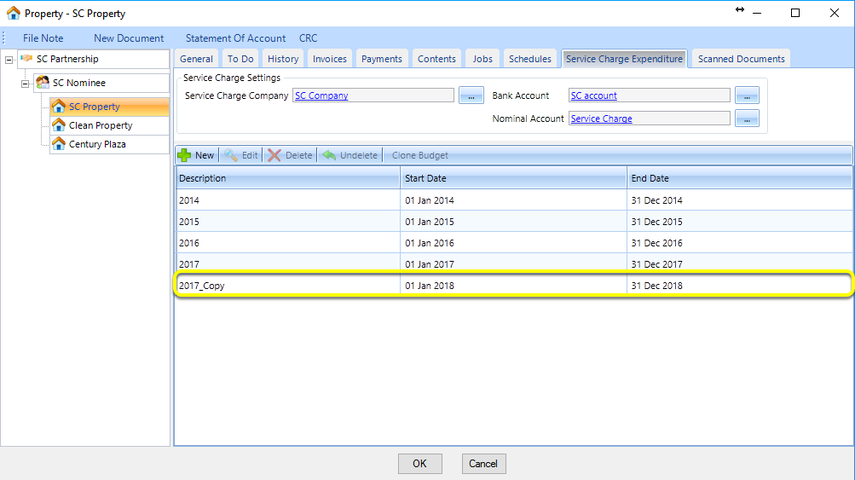
Tick Clone budget automatically to create a copy of a budget from the previous year in order to generate service charge invoices for a part apportionment that carries over to the following year, and the budget for that following year was not manually created.
Note: You can also leave this setting unticked and manually clone the last budget by clicking the Clone Budget button in the Property > Service Charge Expenditure tab.
Clone budget X days before it ends
This option ensures that the next budget is automatically added to LogiPro according to the number of days specified provided that a new budget does not already exist.
Service Charge Company Invoice Prefix
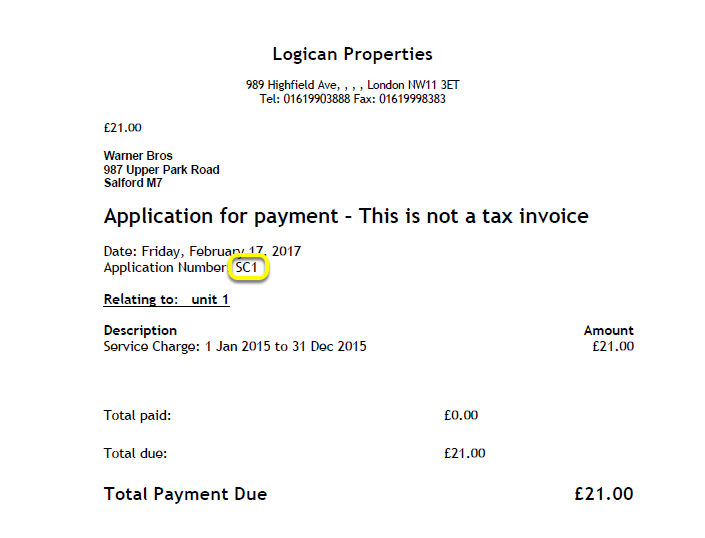
Enter a Service Charge Company Invoice Prefix to display on your service charge invoices.
Add service charge details to invoice
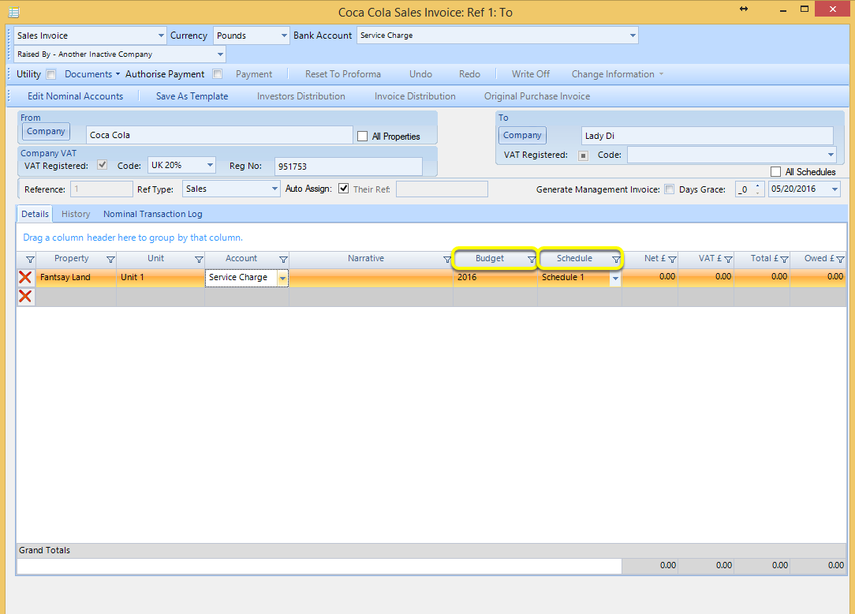
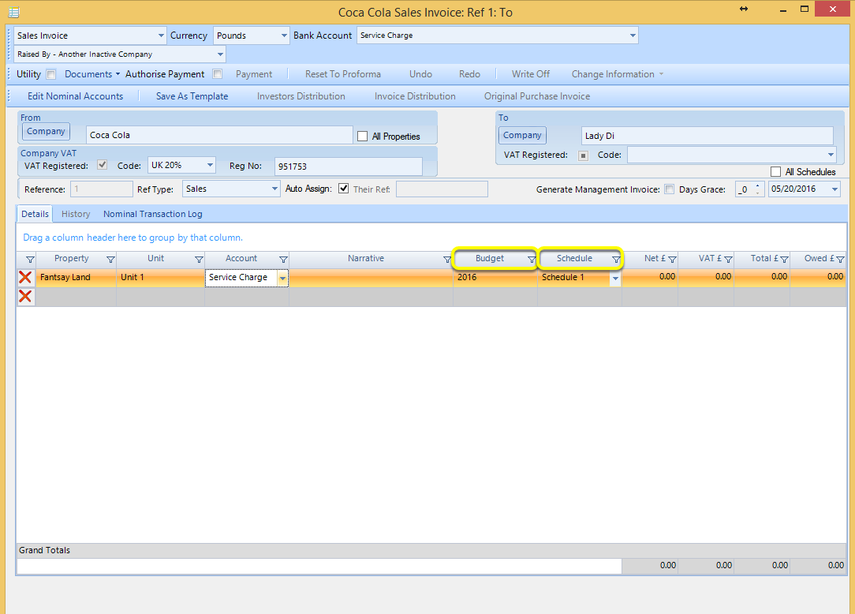
This option adds the Budget and Schedule columns to an invoice.
Require budget select on service charge invoice
Tick Require budget selection on service charge invoice to force a budget selection and populate the Budget field by default.
Display one line per budget on service charge invoice documents
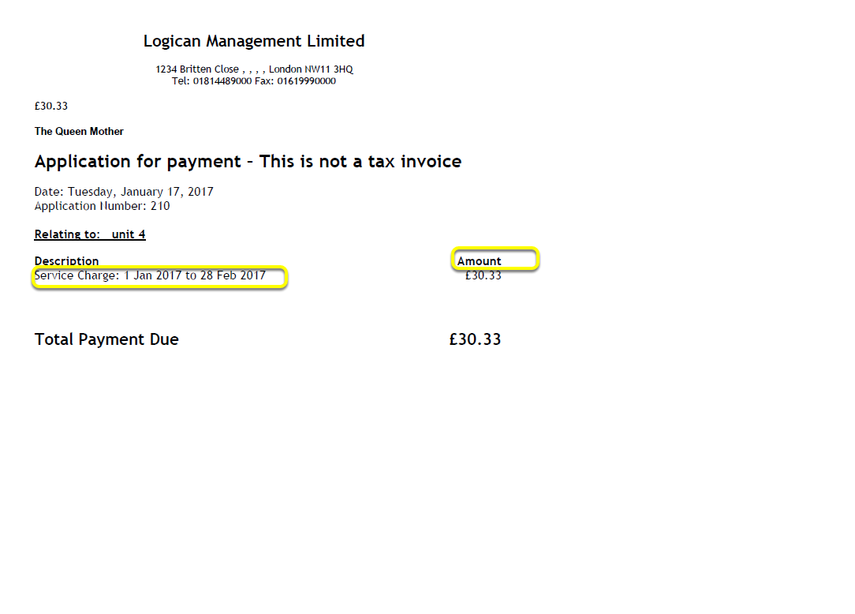
This option groups all the LogiPro service charge invoice line items into one line item on an invoice document.
Exclude unpaid purchase invoices from service charge expenditure
Tick Exclude unpaid purchase invoices from service charge expenditure to exclude any unpaid purchase invoices from being included in the budgeted calculations. Unpaid expenditure will be excluded from the certificate calculations and the reconciliation calculations.
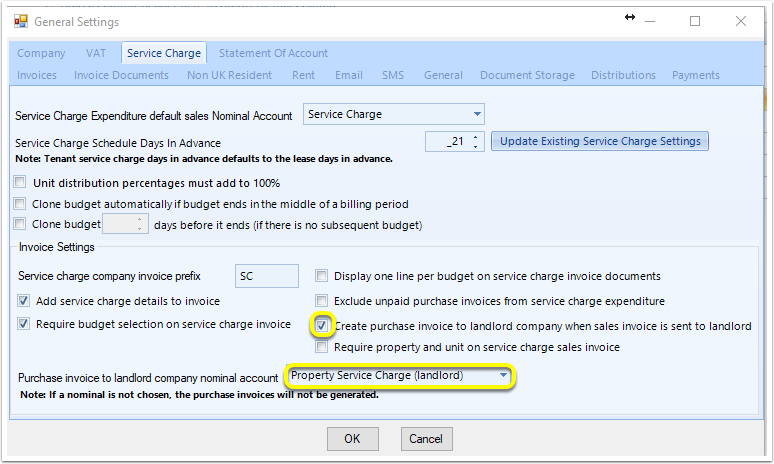
Create purchase invoice to landlord company when sales invoice is sent to landlord
Select the default Purchase Invoice To Landlord Company Nominal Account to auto-generate purchase invoices from a landlord to a company when a sales invoice is raised to a landlord generated by clicking Create Landlord With Company Information from the Landlord window. The purpose of this option is to cancel out sales invoices raised to the landlord.
Note: In order to auto-generate purchase from a landlord to a company, a nominal account must be selected.
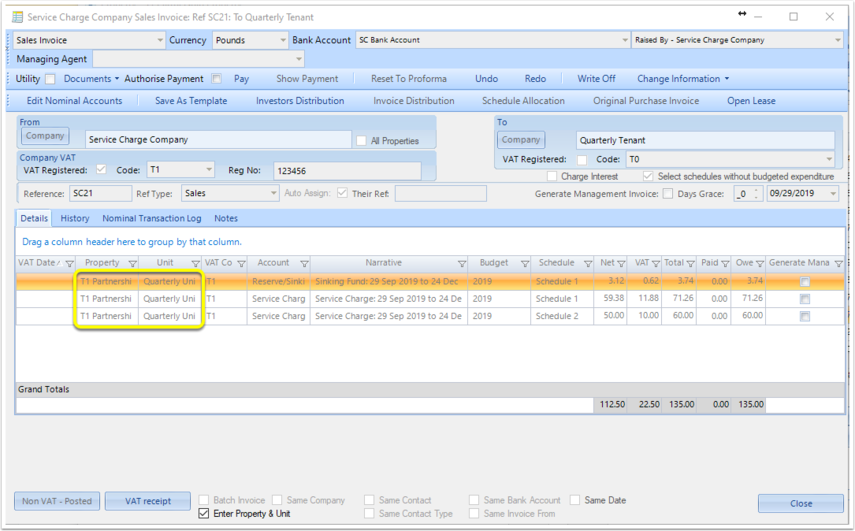
Require property and unit on service charge sales invoice
This option does not allow service charge sales invoices to be posted unless both a property and unit are selected.