VAT Tab
Info
Use the VAT tab to configure your VAT settings for your properties and units.
VAT Tab
Click Admin > General Settings. The General Settings > VAT tab displays.
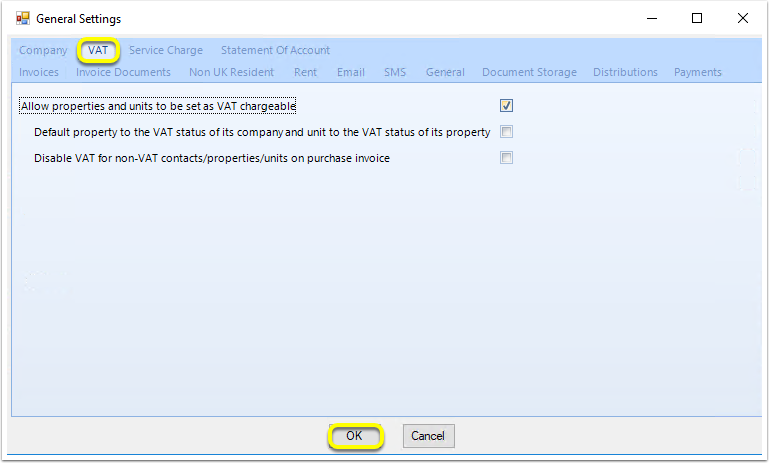
Allow properties and units to be set as VAT chargeable
Set property and unit individual VAT statuses.
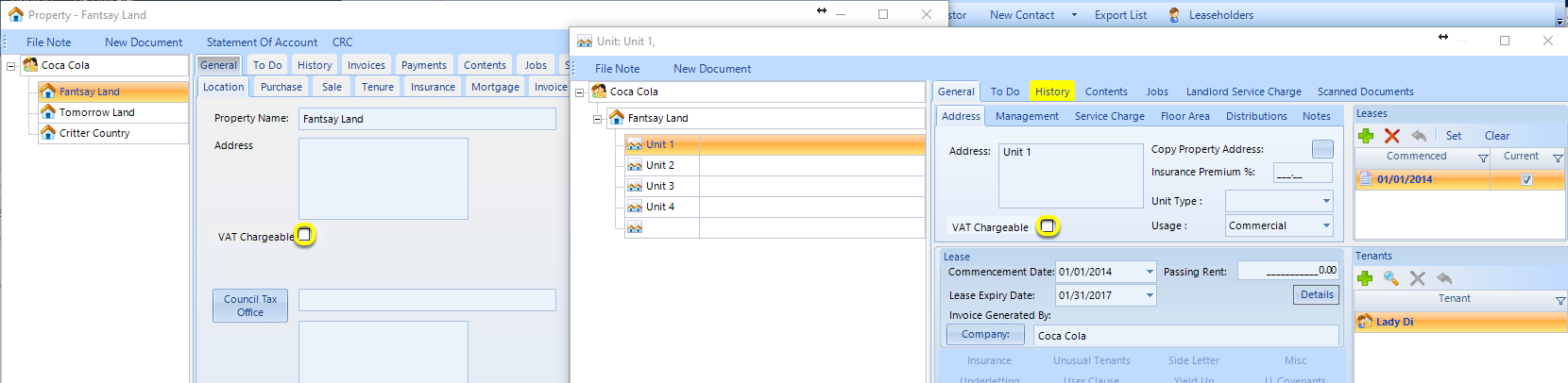
Default property to the VAT status of its company and unit to the VAT status of its property
If this setting is ticked, the unit VAT setting defaults to the property's VAT setting, and the property VAT setting defaults to the company's VAT setting.
Disable VAT for non-VAT properties/units on purchase invoice
This setting removes the VAT column on purchase invoices for non-VAT properties and units.