Partnership Setup
Info
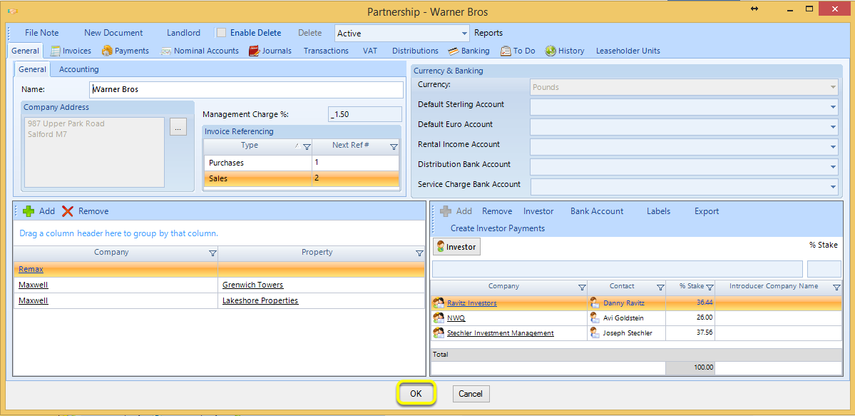
Partnerships own nominee companies whom in turn own properties.
A property can be owned by more than one nominee company and a nominee company can own multiple properties.
Add a Partnership
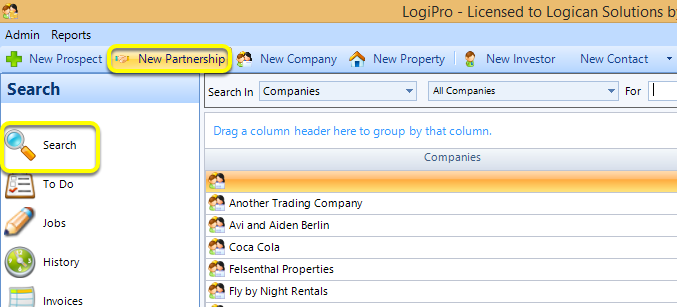
To add a Partnership, click Search > New Partnership. The Partnership window displays.
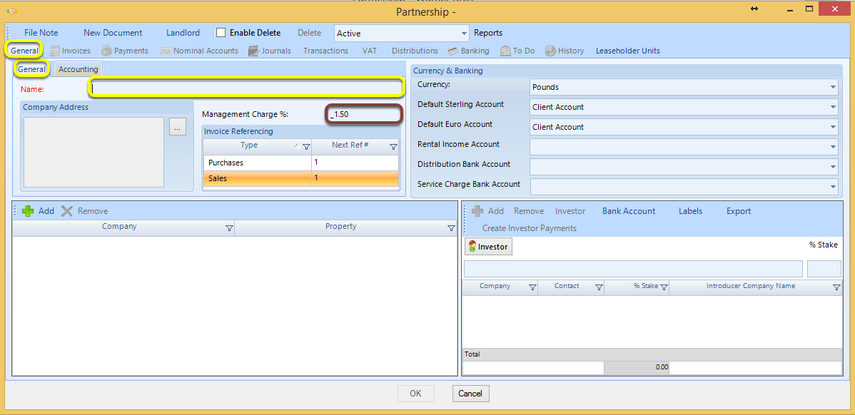
From the General > General tab, enter the partnership Name.
Note: All fields marked in red are required fields.
Note: The Management Charge is set to 1.5% by default but can be changed.
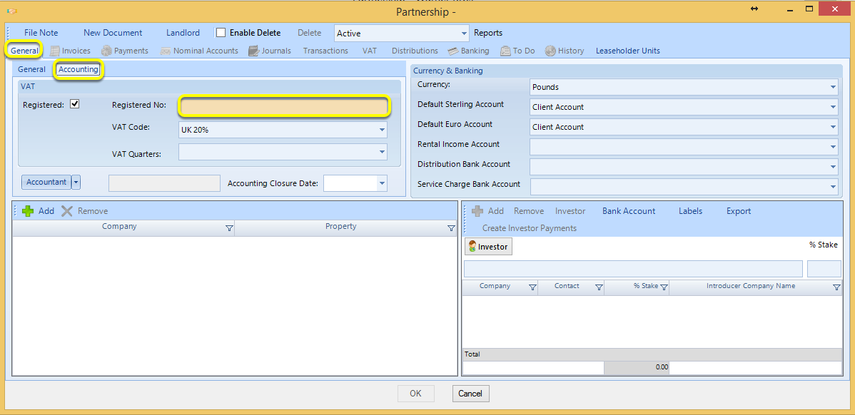
Note: If the company is VAT registered, the following steps are required.
From the General > Accounting tab, enter the Registered Number and select any other relevant data. Note: All peach coloured fields are required.
Note: The Management Charge is set to 1.5% by default but can be changed.
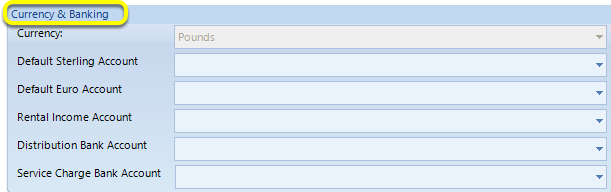
Currency and Banking
From the Currency & Banking tab, select the default accounts for the partnership.
Note: Click here for instructions on adding bank accounts.
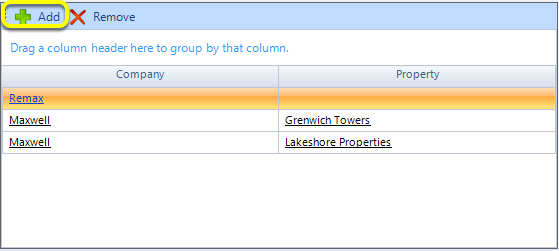
Add Nominee Companies
Click Add. The Companies window displays.
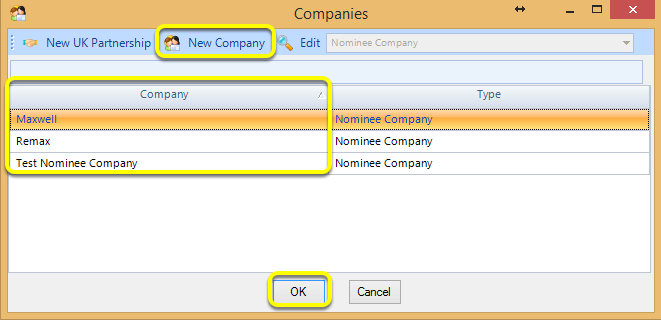
Select the companies to add to the partnership and click OK. The companies are added.
Note: For instructions on creating a New Company, click here.
Add Investors
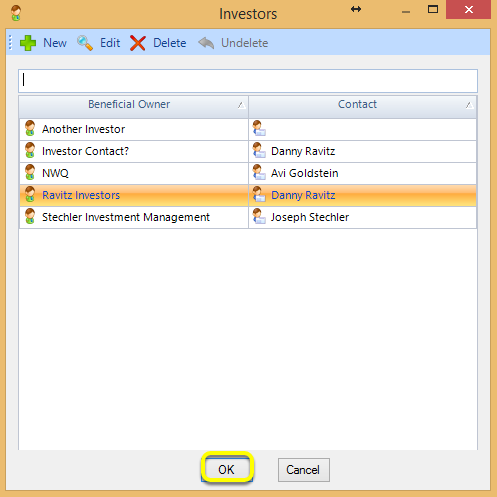
Click Investor. The Investors window displays.
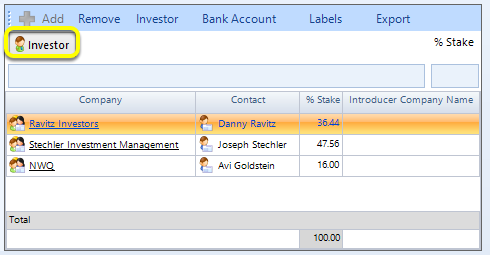
Select the investors to add and click OK. The investor displays in the field.
Note: For instructions on creating a New investors with contacts, click here.
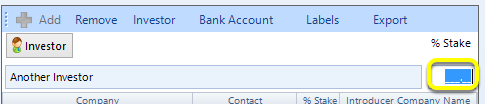
Enter the % Stake the investor has in the partnership.
Click OK to close the Partnership window.