Display Client Account Transfers in the Management Company's Reconciliation
Info
LogiPro usually includes Client Account transfers in a client account reconciliation; however, for managed companies using the client account transfer method, this is irrelevant. This article describes how to use the reconciliation window for managed companies.
Open the client account window
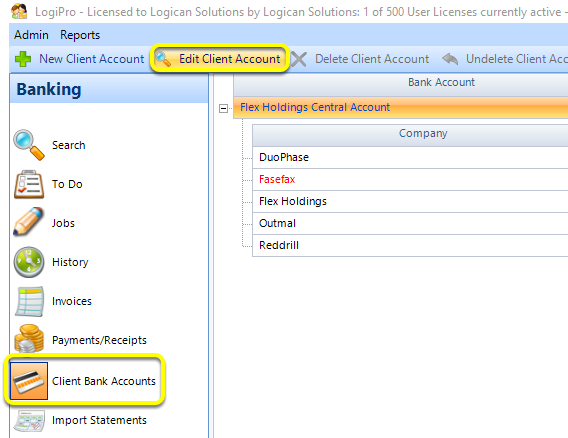
From the Client Bank Account window, select the required central client bank account, as configured here.
Click Edit Bank Account. The Client Bank Account window displays.
Apply the Filter
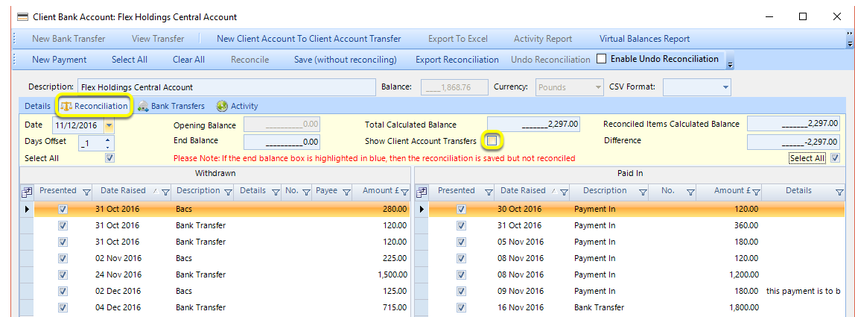
From the Reconciliation tab, tick the Show Client Account Transfers checkbox to show the client transfers in both columns.