Monitor the Central Rental Account Activity
Open the Central Account Window
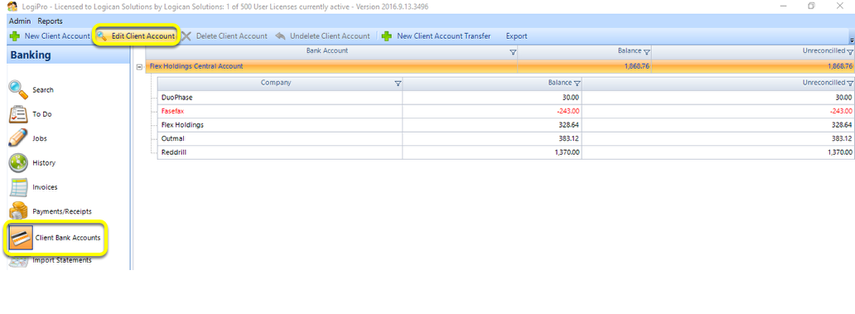
From the Client Bank Accounts window, select the Rental account from the list and click Edit Client Account. The Client Account window displays
Open the Activity Tab
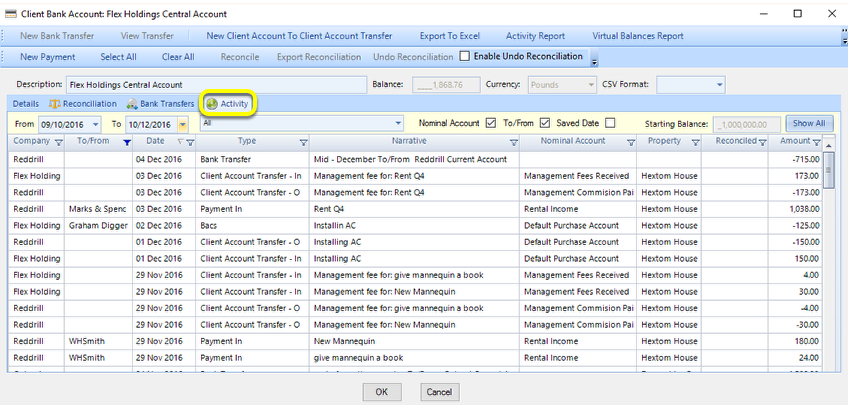
From the Activity tab, all the transactions are viewable with invoices paid and management fees transferred listed.
Understanding the Activity Tab
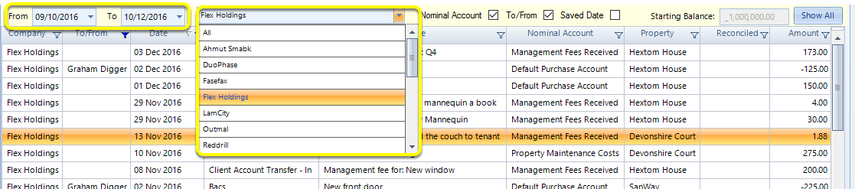
Use the date filters to narrow down the list.
Use the company filter to view the transactions involving the share of a particular owner/management company account.