How to Attach a Header and a Footer to a Letter
Open the Document Library
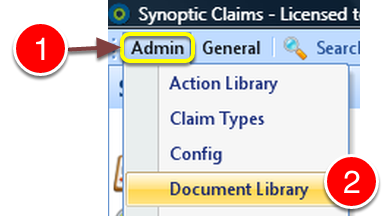
1: Click Admin from the menu.
2: Select Document Library from the drop down list - the Document Library will open.
Select the Letter that Requires Change
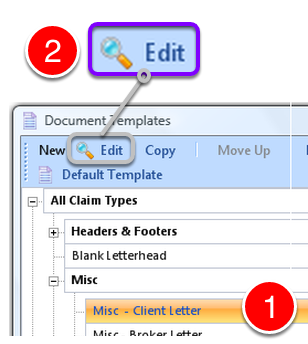
1: Select the letter to edit.
2: Click Edit from the menu - the Edit Document screen will open.
Select the Header
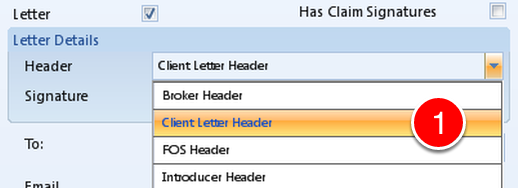
1: Select the Header from the drop down list.
Select the Footer
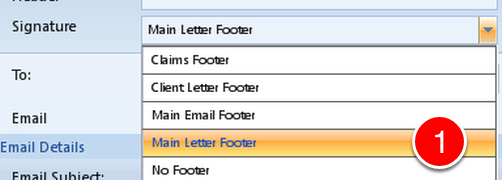
Select the Footer from the drop down list.
Preview Attached
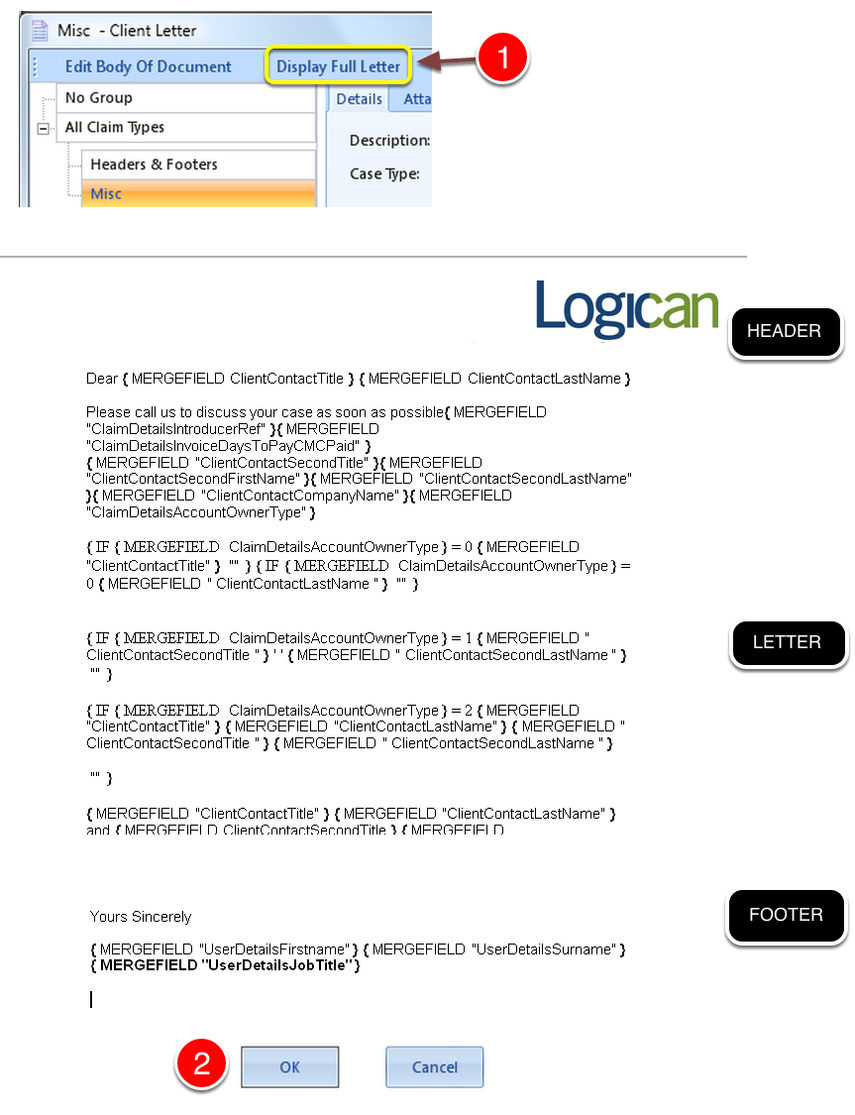
1: Click Display Full Letter to see the segments brought together in Microsoft Word.
Close Microsoft Word.
2: Click OK to save the changes and close the window.