How to Set a Default Printer for a Document in the Document Library
Open the Document Library
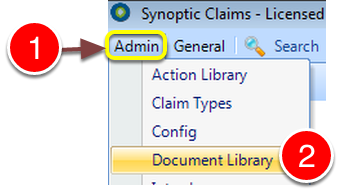
1: Click Admin from the Menu.
2: Select Document Library from the drop down list - the Document Library will open.
Select the Document
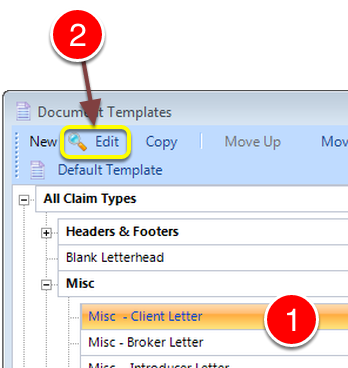
1: Select the required document.
2: Click Edit - The Edit Document window will open.
Select a Printer
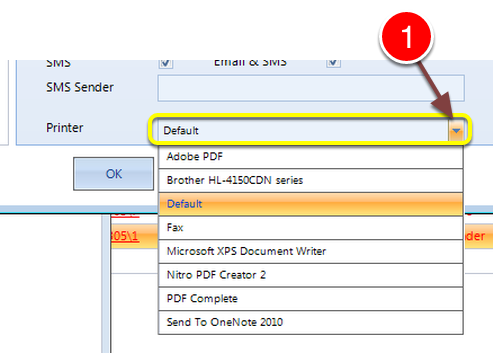
1: Select a Printer from the Printer drop down list.
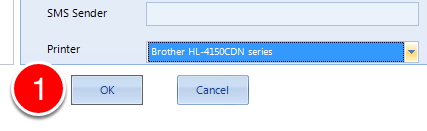
1: Click OK to Save the data and close the window.