How to set a On Behalf of another Company as a default on an invoice
Select a Property
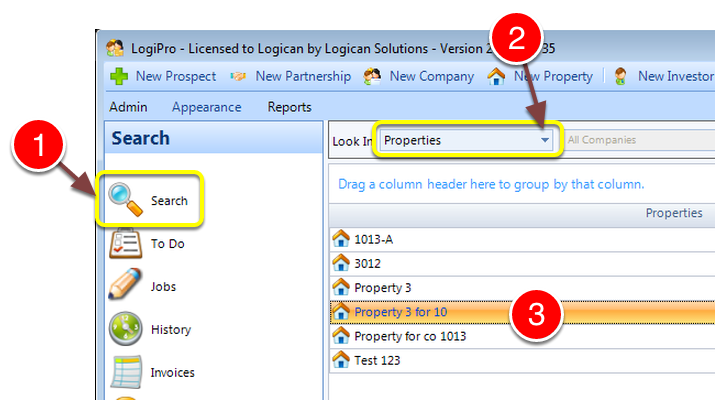
1: Click Search from the Side Menu.
2: Select Properties from the drop down list - a list of properties will open.
3: Select a Property by double clicking - the Property window will open.
Select a Unit
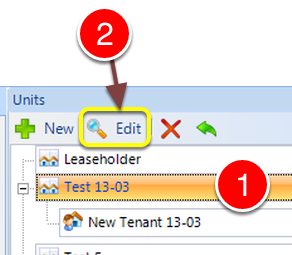
1: Select a Unit.
2: Click Edit - the Edit Unit window will open.
Select an On Behalf of Company
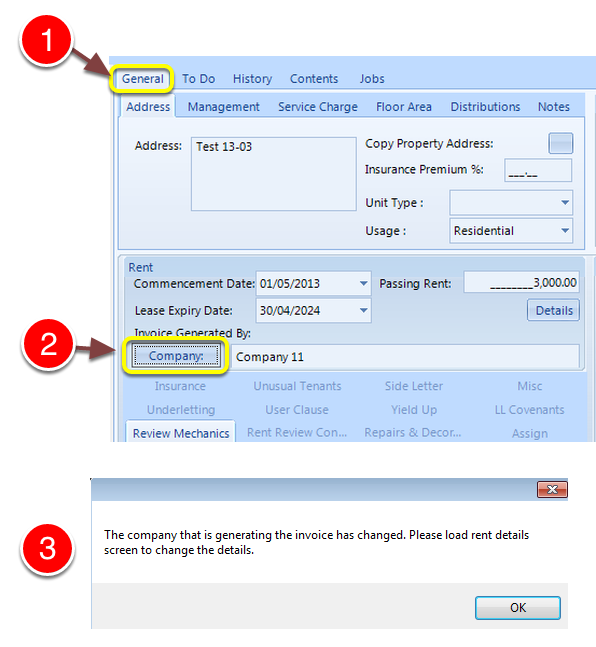
1: Click the General tab.
2: Select the Invoice Generated by Company from the pop-out list.
3: After the company is selected, a message will ask you to open the rent details to activate this change. Click OK to clear the message.
Open the Rent Details
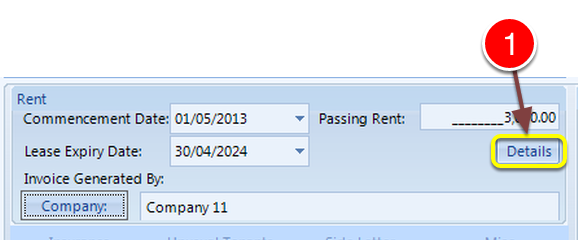
1: Click the Details button - the Rent Details window will open.
Save the Changes
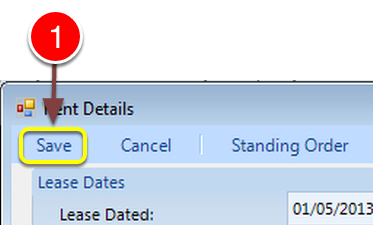
1: Click Save to save the details and close the window.
Creating the Invoice
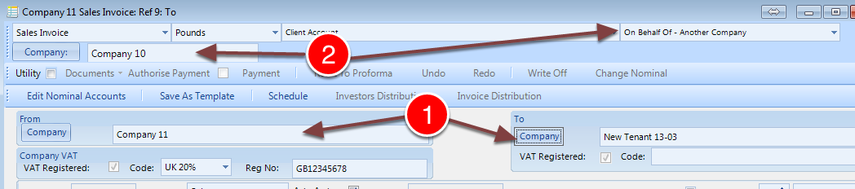
1: Set the From Company and To Company.
2: The system will apply the default if it has been set.