Edit an Invoice
Info
If necessary, an invoice can be adjusted after it has been created.
From the Main Invoice Screen
Note: The Edit Sales Invoice (or Edit Purchase Invoice) is also available from a Company, Property or Contact Invoice tab.
To edit an invoice:
Click Invoices > select the relevant invoice > click Edit Sales Invoice (or Edit Purchase Invoice). The Invoice displays.
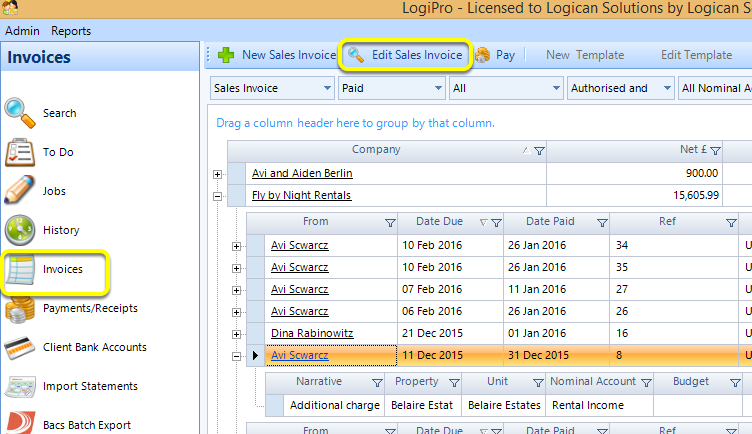
Note: If a payment has already been applied, the payment must first either be undone or unallocated.
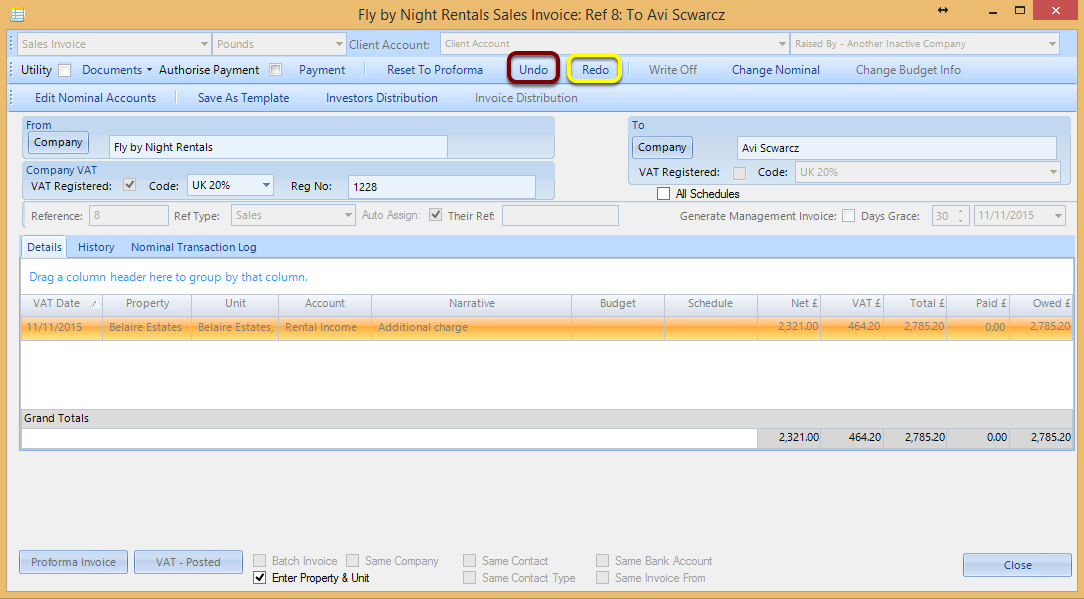
Click Redo. This invoice is now editable.
Note: Changing the Company clears the line items.
Note: You also have the option to remove the invoice by clicking Undo.