Generate Overdue Invoices/Arrears Reports
Info
LogiPro offers the ability to generate overdue invoices and arrears reports when an invoice payment is delinquent. Overdue invoices and arrears reports can be generated from both the main Invoice screen, from a Company's Invoice tab, as well as from a Contact's Invoice tab.
Arrears Report from the Main Invoice Screen
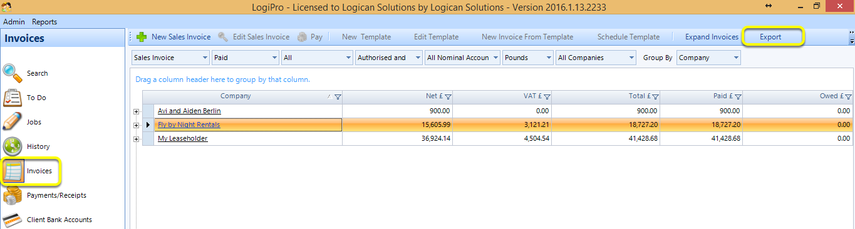
Click Invoices > Arrears Report. The Arrears report generates in Excel for all delinquent payments for all contacts for all companies.
Generate Overdue Invoices from the Main Invoice Screen
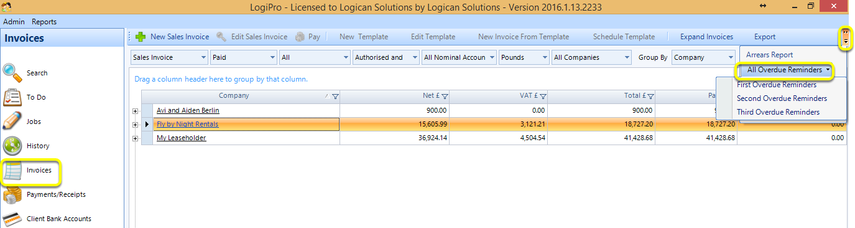
Click Invoices > All Overdue Reminders and select the relevant reminder. The reminder invoices generate for all delinquent payments for all contacts.
Arrears Report from a Company
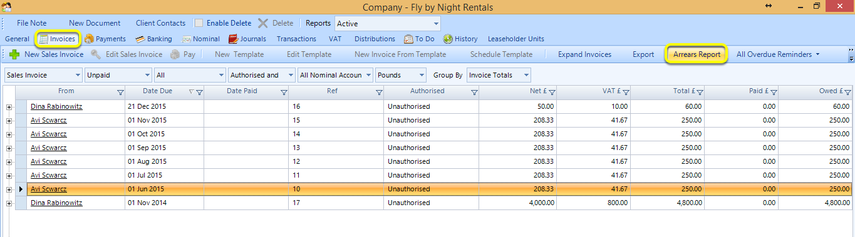
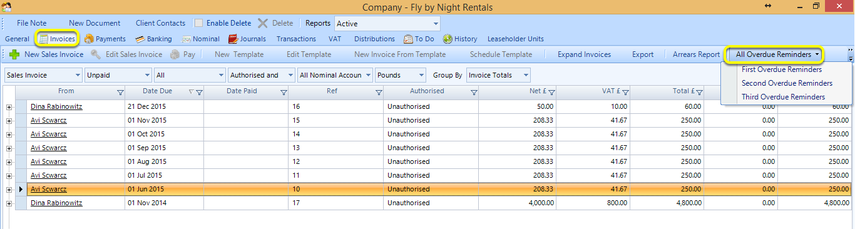
Click Search > Search In Companies > select a company and double-click the company to open it > Invoices > Arrears Report. The Arrears report generates in Excel for all delinquent payments for all contacts for the selected company.
Generate Overdue Invoices from a Company
Click Search > Search In Companies > select a company and double-click the company to open it > Invoices > All Overdue Reminders and select the relevant reminder. The reminder invoices generate for all delinquent payments for all contacts for the selected company.
Arrears Report from a Contact
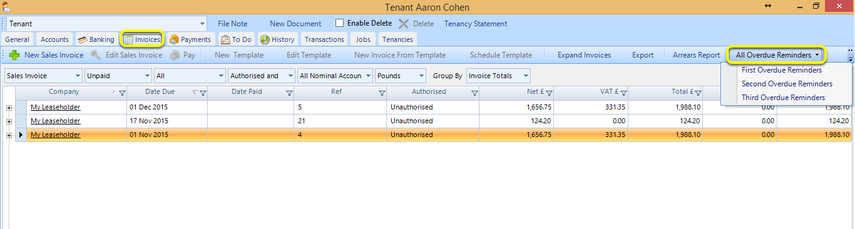
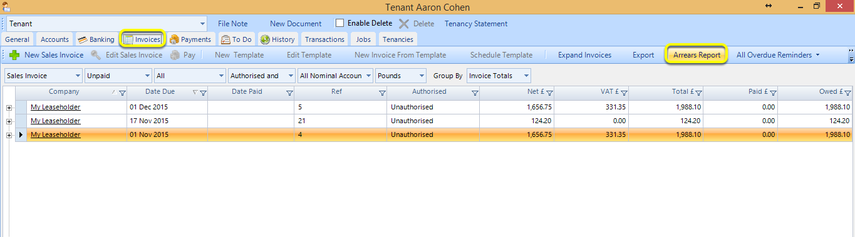
Click Search > Search In Contacts > select a contact and double-click the contact to open it > Invoices > Arrears Report. The Arrears report generates in Excel for all delinquent payments for the selected contact.
Generate Overdue Invoices from a Contact
Click Search > Search In Contacts > select a contact and double-click the contact to open it > Invoices > All Overdue Reminders and select the relevant reminder. The reminder invoices generate for all delinquent payments for the selected contact.