Print Original Invoice with Overdue Reminder Letter
Info
Configuring this option enables you to re-generate the original invoice along with the overdue reminder letter.
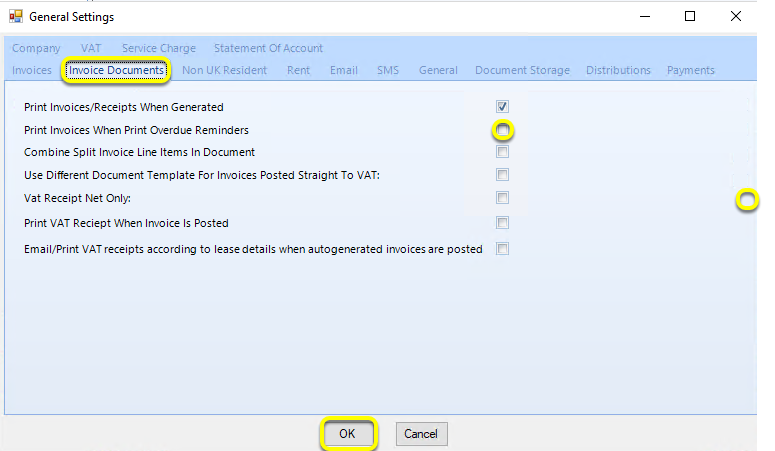
Click Admin > General Settings > Invoices Documents tab > tick Print Invoices When Print Overdue Reminders and click OK. The original invoice will now generate along with the overdue reminder letter.
Introduced in version 2016.5.25.2745