Display Link Between Related Clients
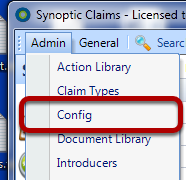
Click on the Config Option in the Main Menu
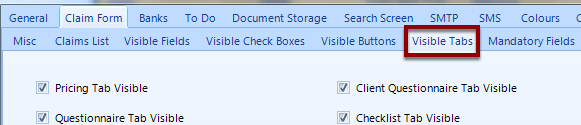
Within the Claim Form Tab, select the 'Visible Tabs' Tab
Tick Related Client Tab Visible
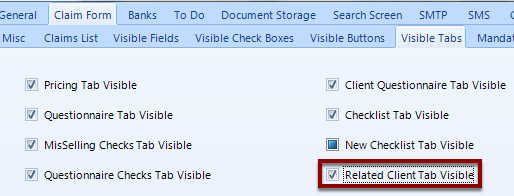
Click OK to Save
Open an Existing Client's Window and Click on New Related Client
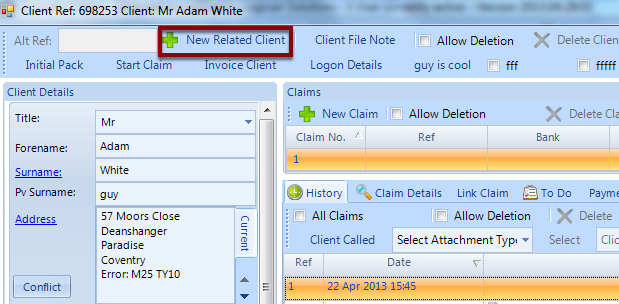
Enter new related client's details and click OK to save. Now go back to the original client.
Select the Related Clients Tab
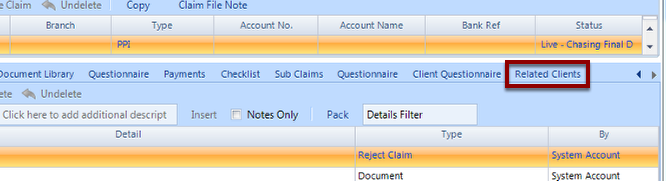
Double Click a Related Client to Load Their Details
