How to filter the history of a client
Info
This article explains how to filter the display of items in the client history window.
Open a client and select the history tab
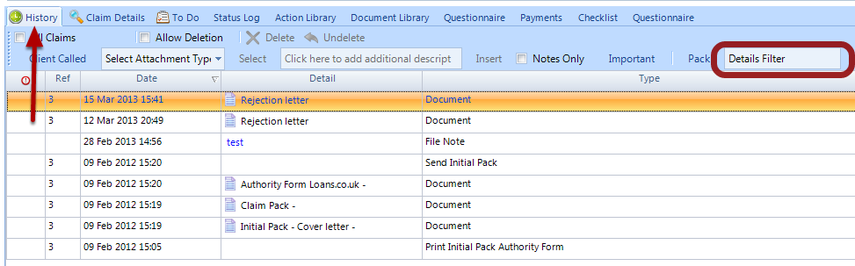
Click on the History Filter box and type in the term you wish to search on
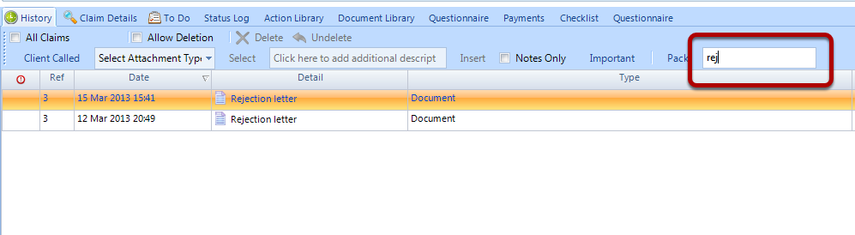
This list only shows items whose detail or Type contains the search term