How to use Client Questionnaire
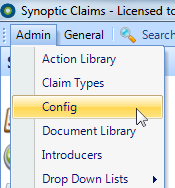
In the main window, select Config from the Admin Menu
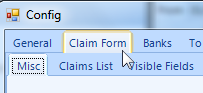
Select Claim Form Tab
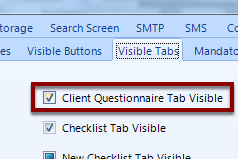
Select Visible Tabs

Tick the Client Questionnaire Tab Visible check box
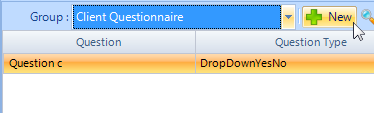
Click on the Client Questionnaire Tab

Add/Edit New Question(s)
Click OK To Save
The Client Questionnaire is displayed as a new tab in the client screen
